26hhhhhTa383a3N,3hb3jjCN<c
4.10 Remove USB Device Safely
The menu
Remove USB Device Safely
allows you to remove
4.11 Display Setting
To improve your screen quality, set the options of the
Display
Setting: Brightness, Contrast, Saturation, Hue,
and
Sharpness.
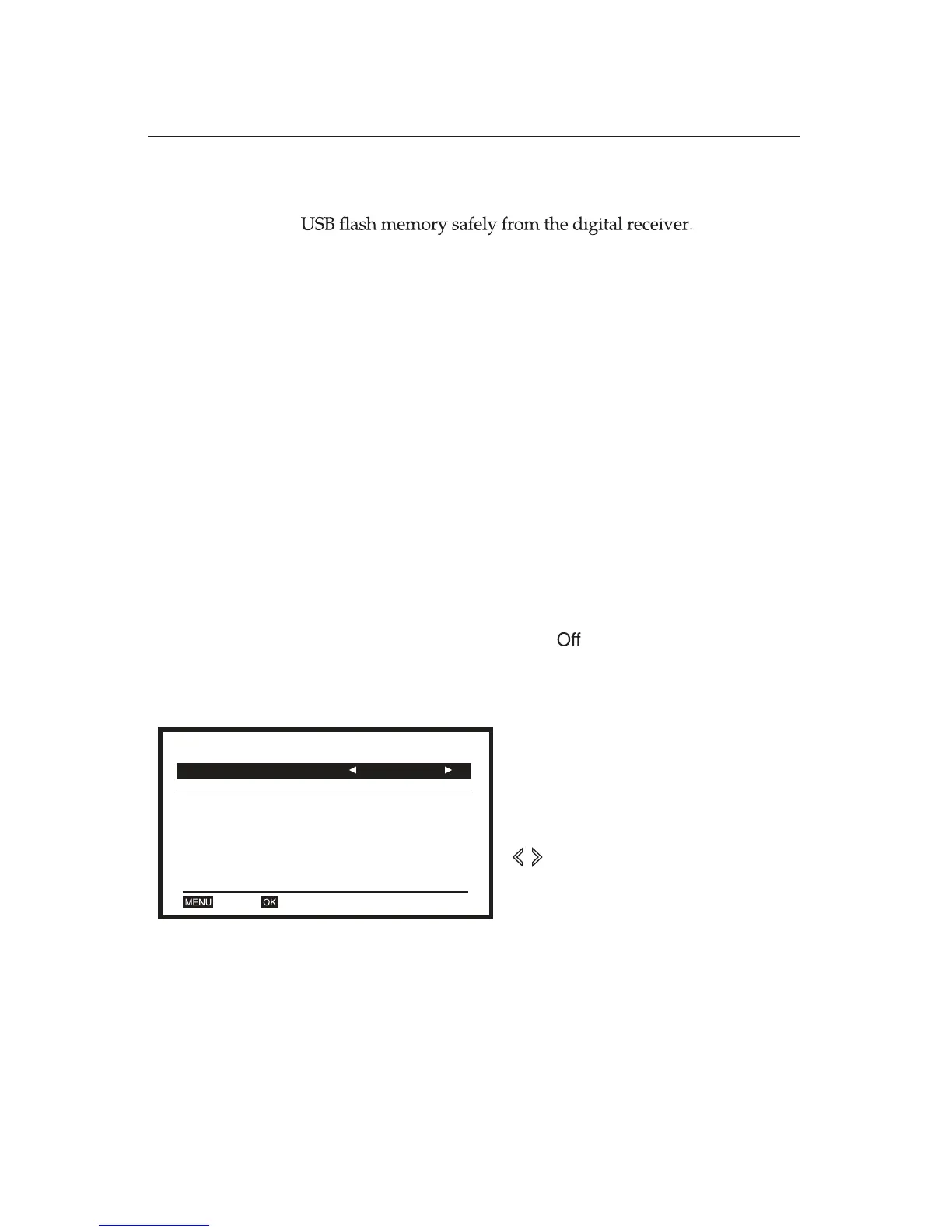
4.12 Miscellaneous
There are two sub-menus:
Beeper
and
Auto Standby.
The
Beeper
allows for the digital receiver to beep while it
searches signals. If the
Beeper
is selected as
On
, the digital
receiver makes a sound (beep) while it is working on
DVBT
Channel Scan
. The beep sound depends on the signal type.
The
Auto Standby
can be
On
or . When the
Auto Standby
is
set to
On
, the digital receiver will go into
Standby Mode
automatically after three hours.
Miscellaneous
Beeper Off
Off
Auto Standby
OKExit
Select
Miscellaneous
from the
System
Setup
menu.
Activate or deactivate the sub-menus
Beeper and Auto Standby
by using
buttons.















 To Next Page