24hhhhhTa383a3N,3hb3jjCN<c
4.6 On-Screen Display Setting
You can control the
Information Box
display which is displayed
on the bottom at the initial screen. The menu
On-Screen Display
Setting
has two sub-menus:
Info Display Time
and
On-Screen
Display Transparency.
The
Info Display Time
sets how long the
Information Box
will be
displayed. The time option ranges between 1 second and 10
seconds.To adjust the transparency level of the
Information Box
,
set the
On-Screen Display Transparency
option as you desire.
It ranges between 0 % and 40 % by the 10 %.
Info Display Time:
Select the time you desire how long the
Information Box will be displayed.
On-Screen Display Transparency:
Select the transparency level
you desire for the Information Box.
4.7 Favourites
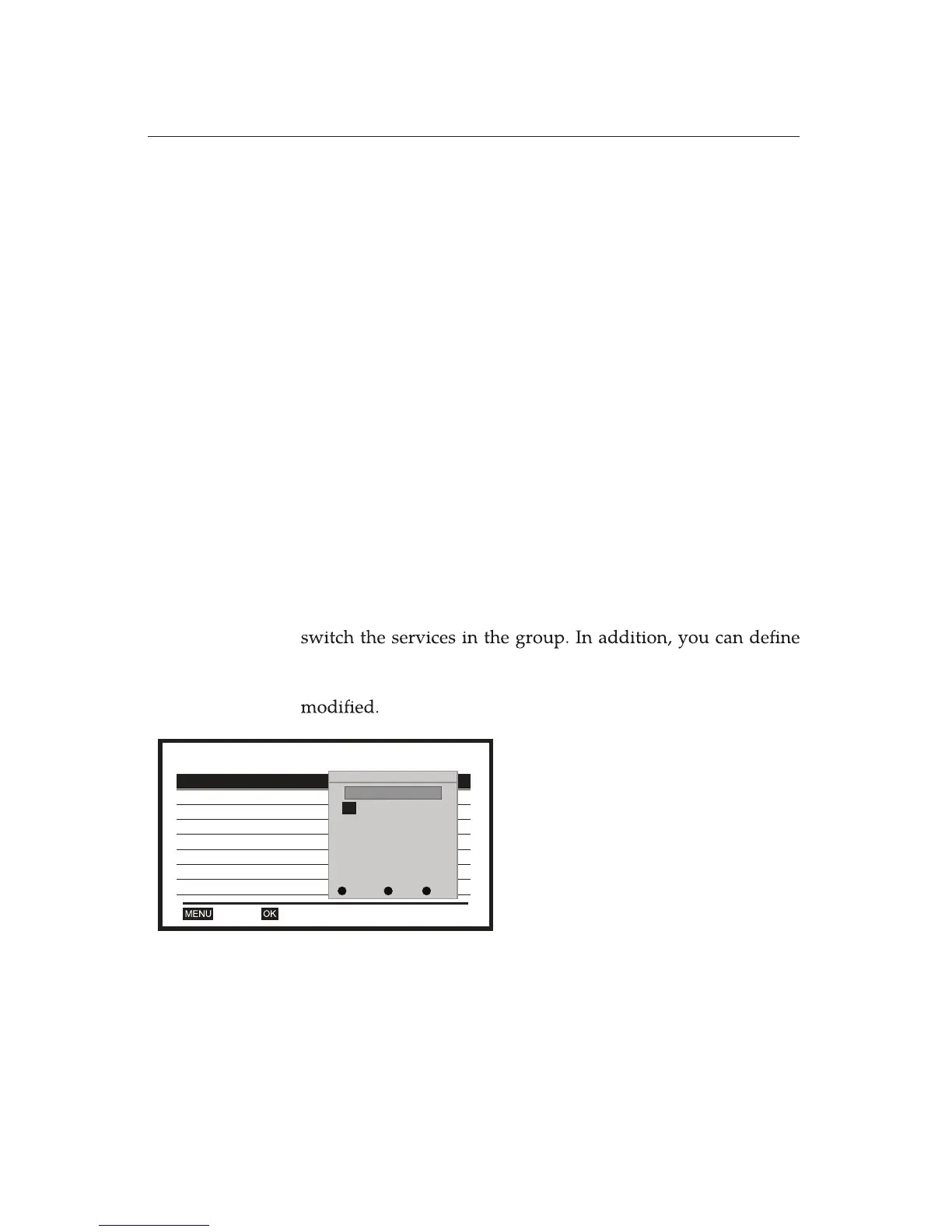
You can make your own favourite service lists in a group, and
various service lists, each being a
group
.
8 Favourite Groups are allowed and each group name can be
Favourite
1 Fav group 1ABCD
2 Fav group 2EFGH
3 Fav group 3
OKExit
4 Fav group 4
5 Fav group 5
6 Fav group 6
7 Fav group 7
8 Fav group 8
Rename
Fav group 1ABCD
A BCDEF
GH I J KL
MNOP QR
STUVWX
YZ
SP OK?<-
0123
456789
CAPS DEL OK
Select
Favourites
from the System
Setup menu.
Select desired group and modify
the group name.



 To Next Page