Fig.
14
Fig.
24
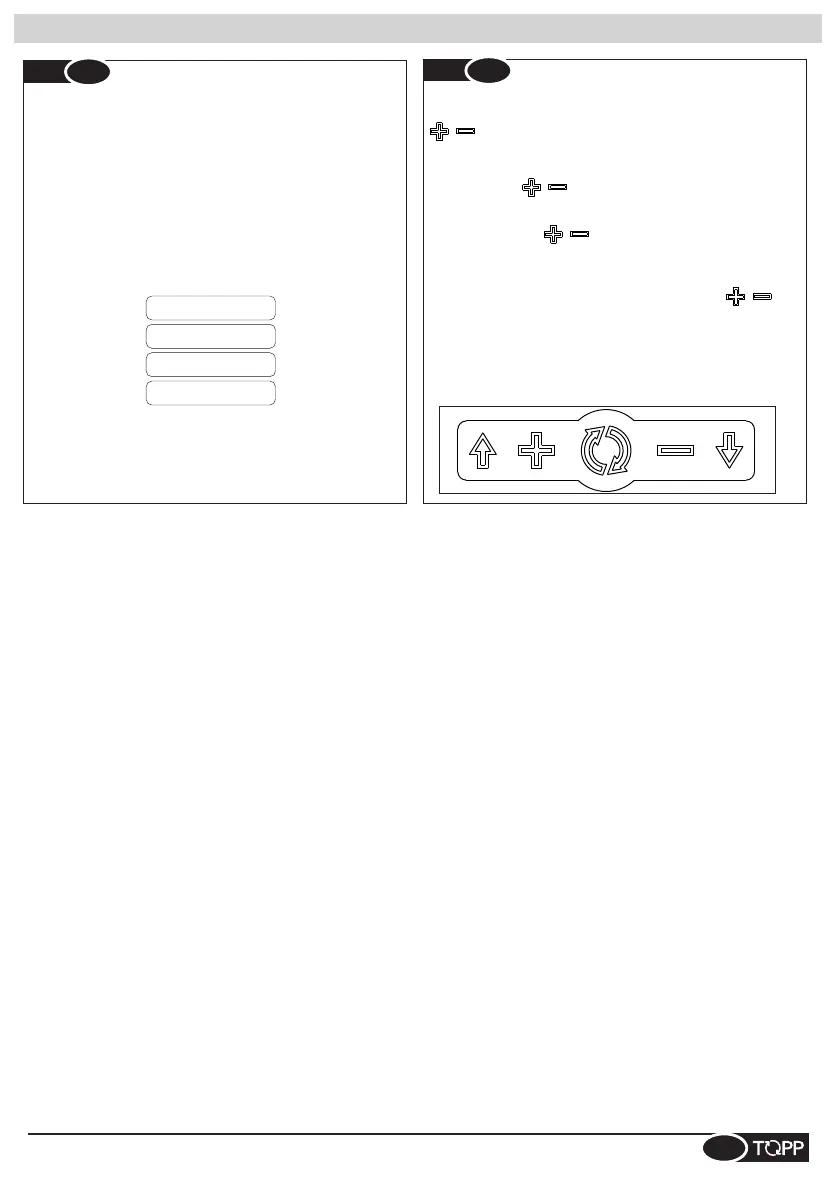
EN- To restore the initial language selection screen (Fig.23).
Press the keys , simultaneously and turn on the Ds2,
keeping the keys mentioned above always pressed.
FR- Pour restaurer l'écran de sélection de la langue initiale
(Fig.23). Appuyez , simultanément sur les touches et
allumez le Ds2 en maintenant les touches mentionnées ci-
dessus.
SP- Para restaurar la pantalla inicial de selección del idioma
(Fig.23). Presione simultáneamente las teclas , y
encienda el Ds2, manteniendo siempre presionadas las
teclas mencionadas anteriormente.
DE- Um den Startbildschirm der Auswahl der Sprache
wiederherzustellen (Bild 23), drücken Sie gleichzeitig die
Tasten und einschalten Sie den DS2, während Sie die Tasten
als zuvor gedrückt halten.
, ed alimentare il Ds2, mantenendo sempre premuti i
tasti prima citati.
IT- Per ripristinare la schermata iniziale della scelta della
lingua (Fig. 23) . Premere contemporaneamente i tasti,
Funzioni selettore - Switch functions - Fonctions sélecteur - Funciones selector - Funktionen des Schalters
Fig.
14
Fig.
23
IT- Al primo avvio, sul display, permette di scegliere la
lingua tra:
EN- At the first start-up, the display allows you to select the
language:
FR- Au premier démarrage, l'afficheur vous permet de
sélectionner la langue :
SP- En la primera puesta en marcha, el display le permite
seleccionar la lengua:
DE- An der Erstinbetriebnahme, auf dem Display, kann man
die Sprache auswählen:
FRANCESE
INGLESE
SPAGNOLO
ITALIANO
11



 To Next Page