10 Instructions for Use Win Drive 2201 T-1165 e
4.3 Operation with an Operating Mode Switch u
Selection of Operating Modes
The operating mode can be set directly.
4.4 Operation on Power Failure
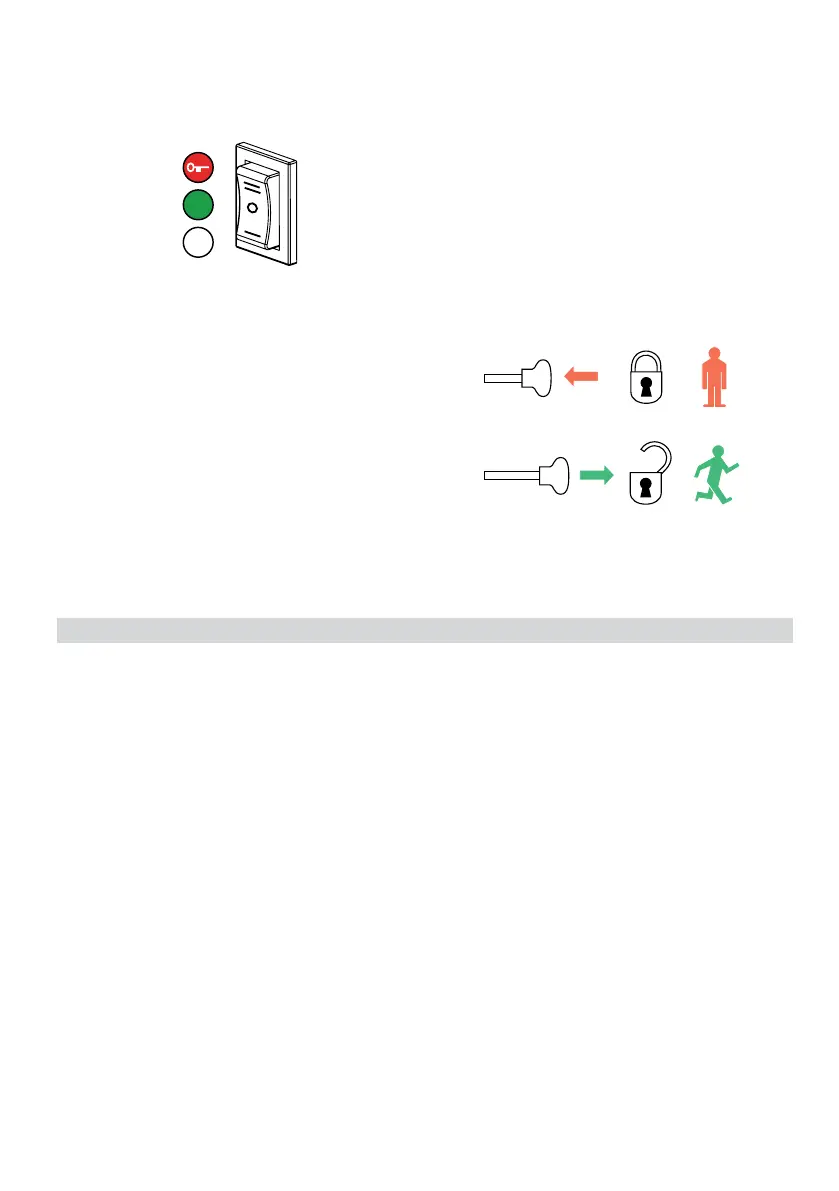
Manual Locking u
• Pressthemanualoperationknobinwards.
• Pushthedoorclosedbyhanduntilthelatchengages.
T1305_4
OFF
AUTO
OPEN
Manual Unlocking u
• Pullthemanualoperationknoboutwards.
• Pushthedooropenbyhand.
Opening a Door with a Battery Unit u Using a Key Switch u
• Turnthekeyswitchtothe“on”positionandholdinplaceforatleast5seconds,thenturnthekeyto
the original position.
The key switch must not remain permanently in the “on” opposition.
The battery is activated using the “wake up” function.
The door is unlocked, opens, closes slowly and locks again.
The battery switches off automatically again after 90 seconds.
T1166_13



 To Next Page