89
4400 Series Installation and Operation Manual – 64527-008
12.17 Setup: Calibrating the Touchscreen
At anytime while using the tabs to view system details, the touchscreen can be calibrated by executing the built-in
calibration routine.
To calibrate the touchscreen:
1. Press the Setup Tab.
2. Press the DISP-EX 800 button.
3. Press the entry Cali (Parameter 8211)
to begin the calibration routine.
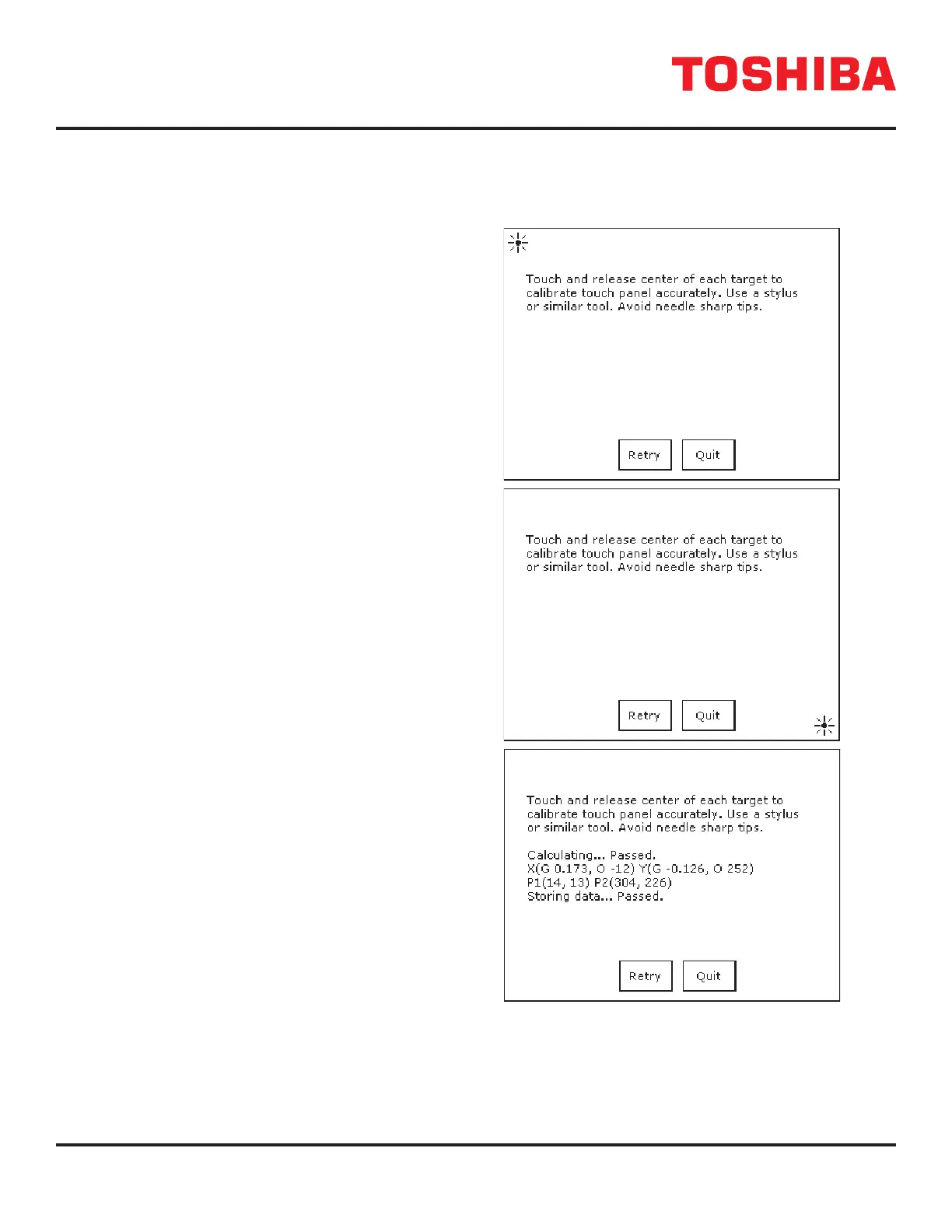
4. Follow the directions on the display to
press the “+” at each location it ashes
on the display. To exit the calibration
routine press QUIT at any time.
See Fig. 12-15 A, B.
5. After the touchscreen has been recalibrated
the display will indicate that the calibration
routine has passed. Press Quit to return
to the main display. See Fig. 12-15 C.
FIGURE 12.15: TOUCHSCREEN DIS-
PLAY CALIBRATION
A
B
C



 To Next Page
 Loading...



