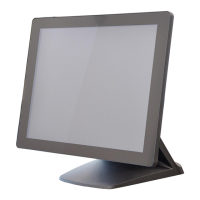
5.5. Remove the Mainboard
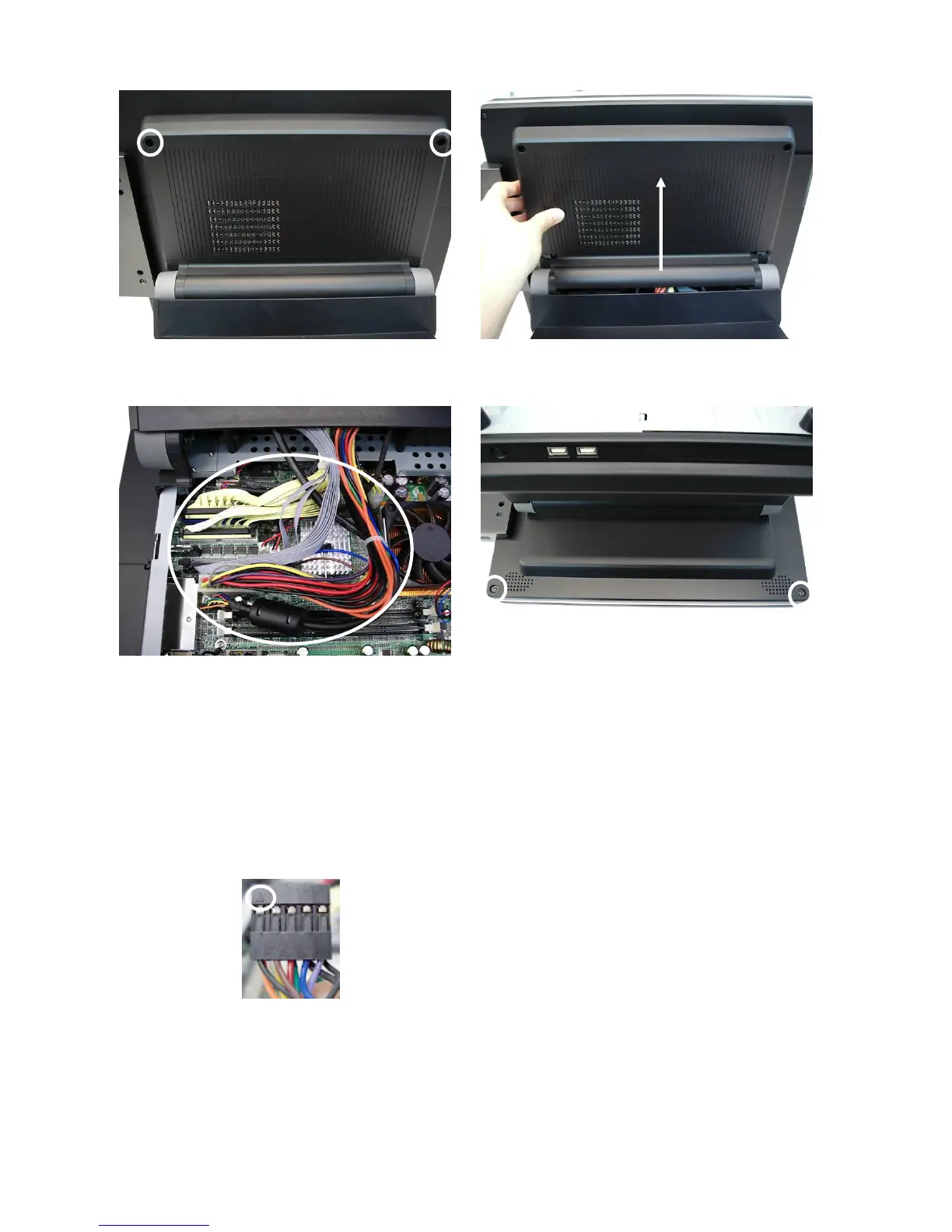
a. Remove the screws (2). b. Lift the cover up and remove it.
c. Disconnect the cables (8): 2
nd
VGA
cable, 20pin cable, 100pin cable, IDE1
cable, IDE2 cable, USB3&4 cable,
MIC&Line-in cable, and CPU power
cable.
Notice: 2
nd
VGA cable has a triangle
sign that faces to the white power
connector.
d. Remove the screws (2).
27


 To Next Page