- 28 - tousek / E_PULL-T24-T24speed_49002410 / 06. 08. 2019
6. Troubleshooting guide Sliding gate operator PULL T24, -T24speed
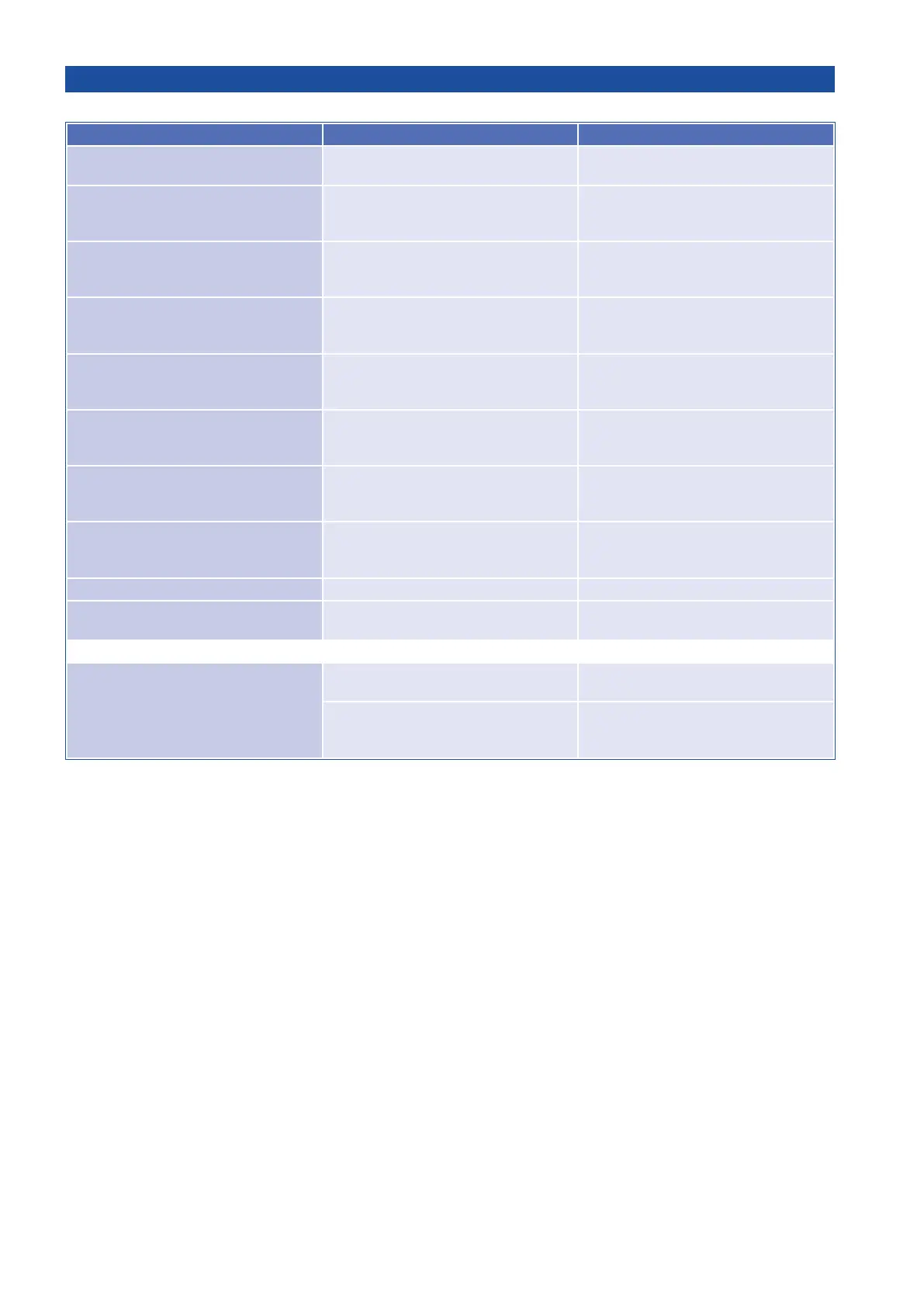
Error possible reason solution
Display: „Stop-button released“
stop-button not connected or not
bridged
Stop-button (Kl. ) connect or bridge >
use status display for help
Display: „Photocell released“ photocell interrupted
check correct connection hence
remove obstacle > use status dispaly
for help
Display: „Main safety sensing edge
released“
main safety edge interrupted or hot-
wired
check correct connection hence
remove obstacle > use status dispaly
for help
Display: „Side safety sensing edge
released“
Side safety sensing edge interrupted
or hot-wired
check correct connection hence
remove obstacle > use status dispaly
for help
Display: „AR-System released“
Gate ran into an obstacle or is too
hard to move
check adjustment of forces, remove
obstacle hence check if gate is easy
to move
Display: „photocell
test negative“
interruption or hot-wired photocell
check correct connection hence
remove obstacle > use status dispaly
for help
Display: „main safety edge
test negative“
(only when using the TX 310)
Short-circuit or interruption of main
safety edge
check correct connection hence bat-
terry status of transmitter > use status
dispaly for help
Display: „side safety edge
test negative“
(only when using the TX 310)
Short-circuit or interruption of side
safety edge
check correct connection hence bat-
terry status of transmitter > use status
dispaly for help
Display: „Low voltage“ undervoltage check supply line
Display: „motor overcharge triggered“ gate is too hard to move
check the mechanics of the gate,
make sure it is smooth-running
No reaction when giving an impulse
no line voltage hence
safety fuse broken
check line voltage as well as safety
fuses
error of transmitter/control device/im-
pulse button,
e.g. transmitter not programmed
check transmitter/control device,
e.g. program transmitter and
check battery


 To Next Page