23
Chapter 4
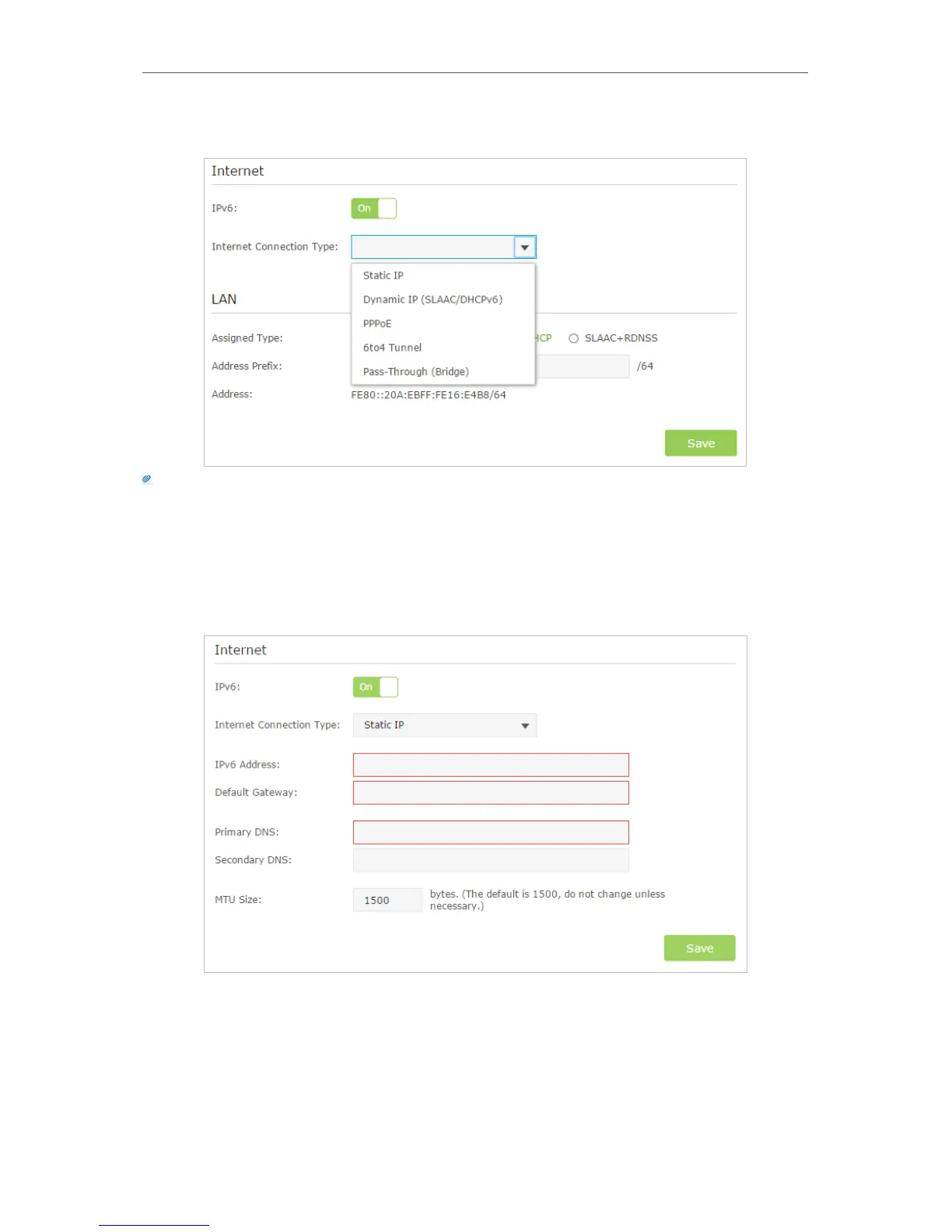
3. Select the Internet connection type provided by ISP.
Tips:
If you do not know what your Internet connection type is, contact your ISP or judge according to already known
information provided by your ISP.
4. Fill in information as required by different connection type. (Red blanks must be
filled.)
1 ) Static IP: Fill in blanks and click Save.
2 ) Dynamic IP(SLAAC/DHCPv6): Click Advanced to have more configuration if
ISP requires. Click Save to save the settings and then click Renew to finish the
configuration.



 To Next Page