24
Chapter 4
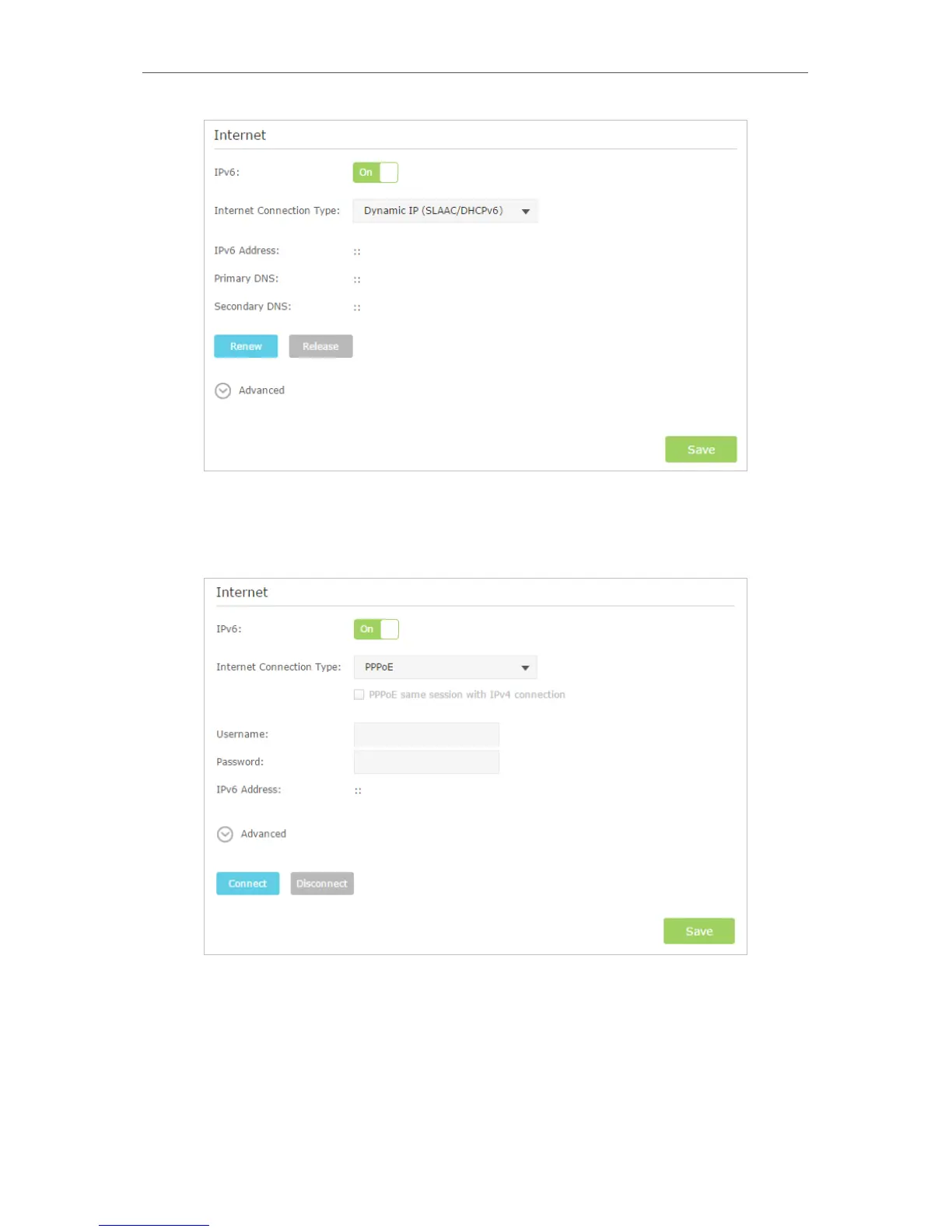
3 ) PPPoE: Fill in the Username and Password. Click Advanced to have more
configuration if ISP requires. Click Save to save the settings and then click
Connect to finish the configuration.
4 ) 6to4 Tunnel: An IPv4 Internet connection type is a prerequisite for this
connection type. (4. 2) Click Advanced to have more configuration if ISP
requires. Click Save to save the settings and then click Connect to finish the
configuration.



 To Next Page