25
Chapter 4
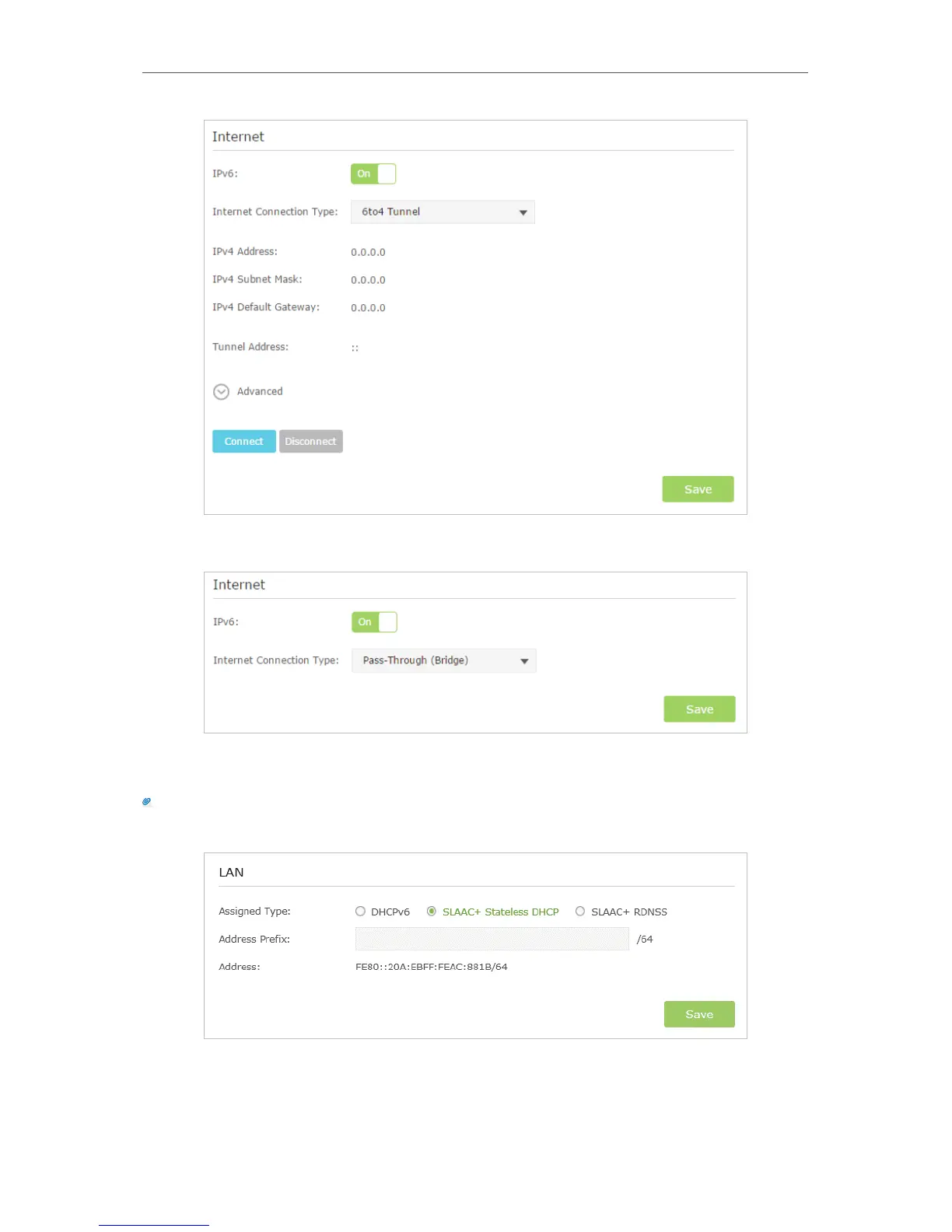
5 ) Pass-Through (Bridge): Click Save and skip to step 6.
5. Configure LAN ports. Windows users are recommended to choose from the first two
types. Fill in Address Prefix provided by ISP, and click Save to save the settings.
Tips:
Find Help on the management interface to know more about items.
6. Click Status to check whether you succeed or not. The following figure is an example
of a successful PPPoE configuration.



 To Next Page