55
Chapter 8
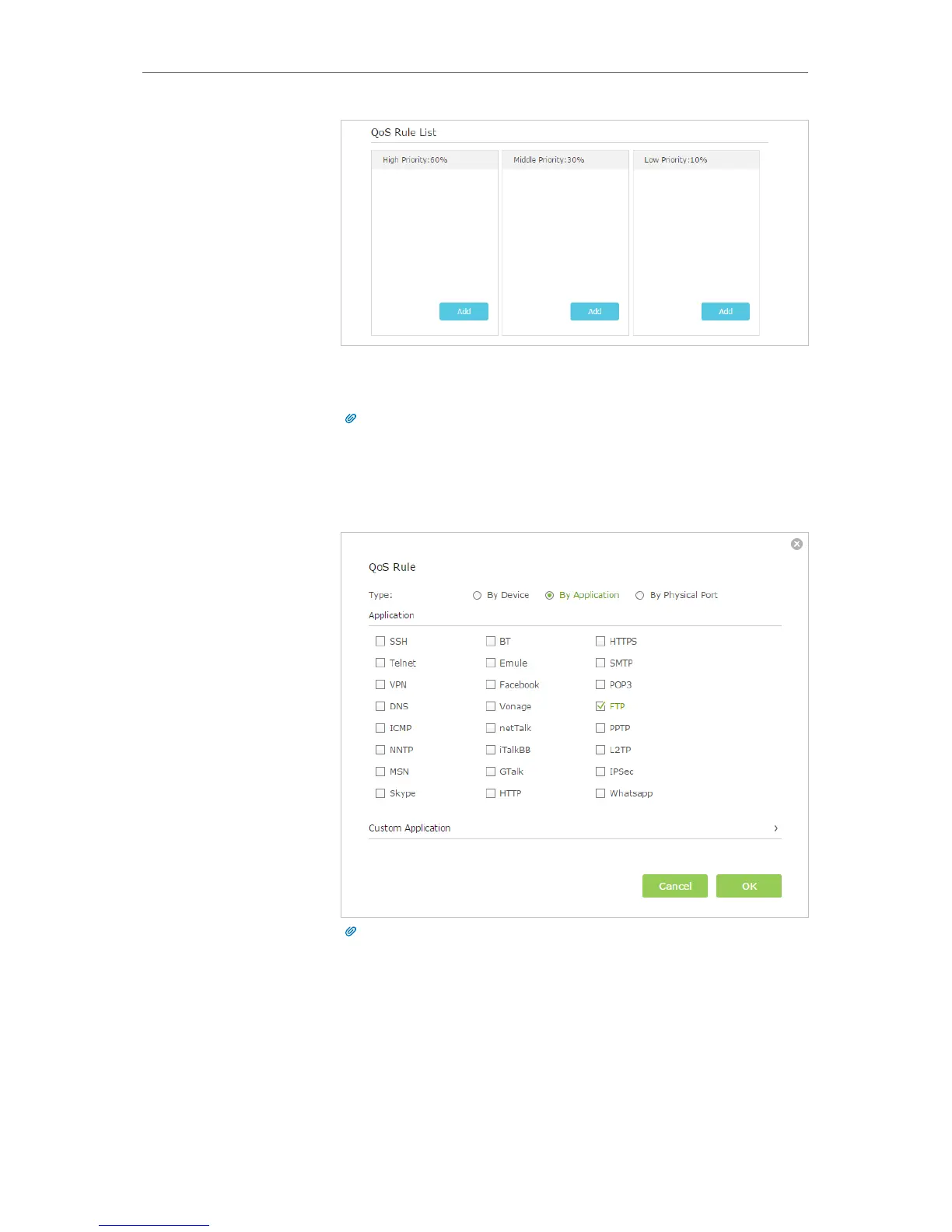
1 ) Set a High Priority rule for the ftp server.
a . Click Add in the High Priority section.
Tips:
In the QoS rule field, displays three rule type include By Device, By Application
and By Physical Port.
b . Select By Application and then select FTP in the list. Scroll
down and click OK.
Tips:
If your application isn’t listed on the screen, click Custom Application to add
application manually.



 To Next Page