Archer C50 AC1200 Wireless Dual Band Router
- 21 -
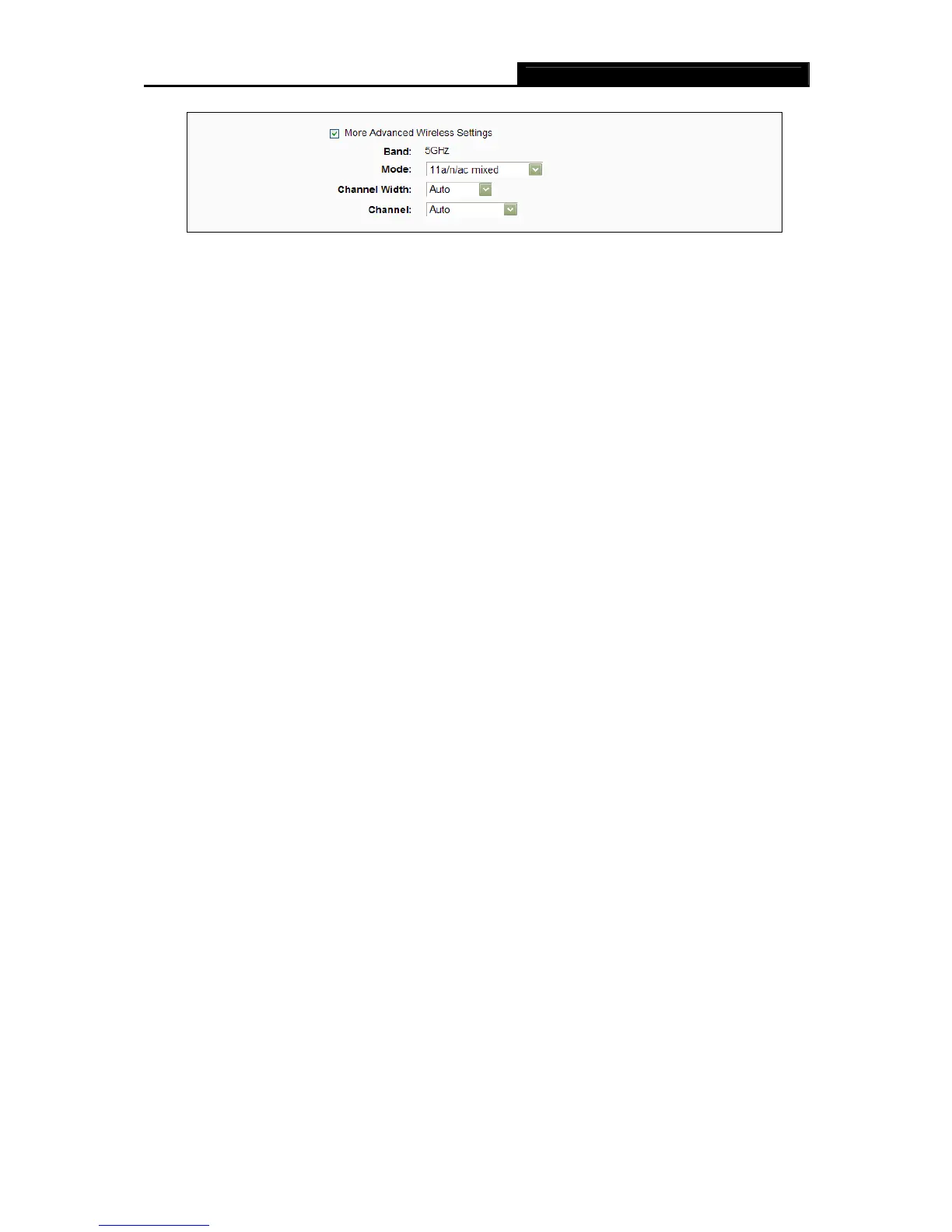
Band - This field displayed the operating frequency being configured.
Mode - This field determines the wireless mode which the router works on.
11an mixed - Select if you are using both 802.11a and 802.11n wireless clients.
11a/n/ac mixed – Select if you are using 802.11a, 802.11n and 802.11ac wireless
clients.
Channel Width - Select any channel width from the drop-down list. The default setting
is “Auto”, which can adjust the channel width for your clients automatically.
Channel - This field determines which operating frequency will be used. It is not
necessary to change the wireless channel unless you notice interference problems with
another nearby access point. If you select “Auto”, then the AP will select the best
channel automatically.
8. Confirm the parameters and click the Save button to make the settings take effect.














 To Next Page