Archer C50 AC1200 Wireless Dual Band Router
- 116 -
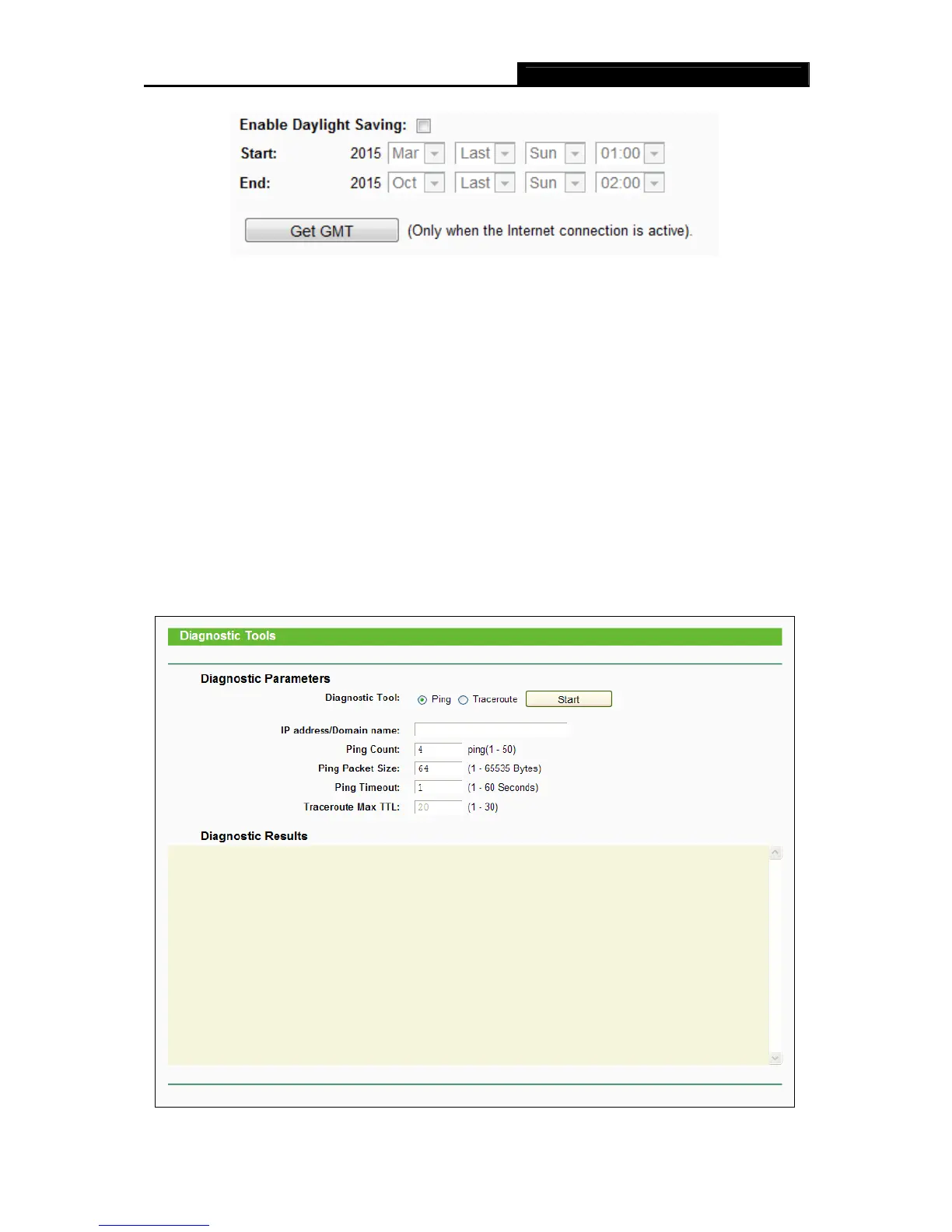
Figure 4-110 Time settings
Note:
1. This setting will be used for some time-based functions such as firewall. You must specify
your time zone once you login to the router successfully, otherwise, these functions will not
take effect.
2. The time will be lost if the router is turned off.
3. The router will automatically obtain GMT from the Internet if it is configured accordingly.
4. The Daylight Saving will take effect one minute after the configurations are completed.
4.21.2 Diagnostic
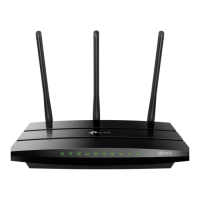
Choose menu “System Tools → Diagnostic”, and then you can transact Ping or Traceroute
function to check connectivity of your network in the following screen.














 To Next Page