Archer C50 AC1200 Wireless Dual Band Router
- 23 -
Chapter 4. Configuring the router
This chapter will show each key function of the Web page and its configuration method.
4.1 Login
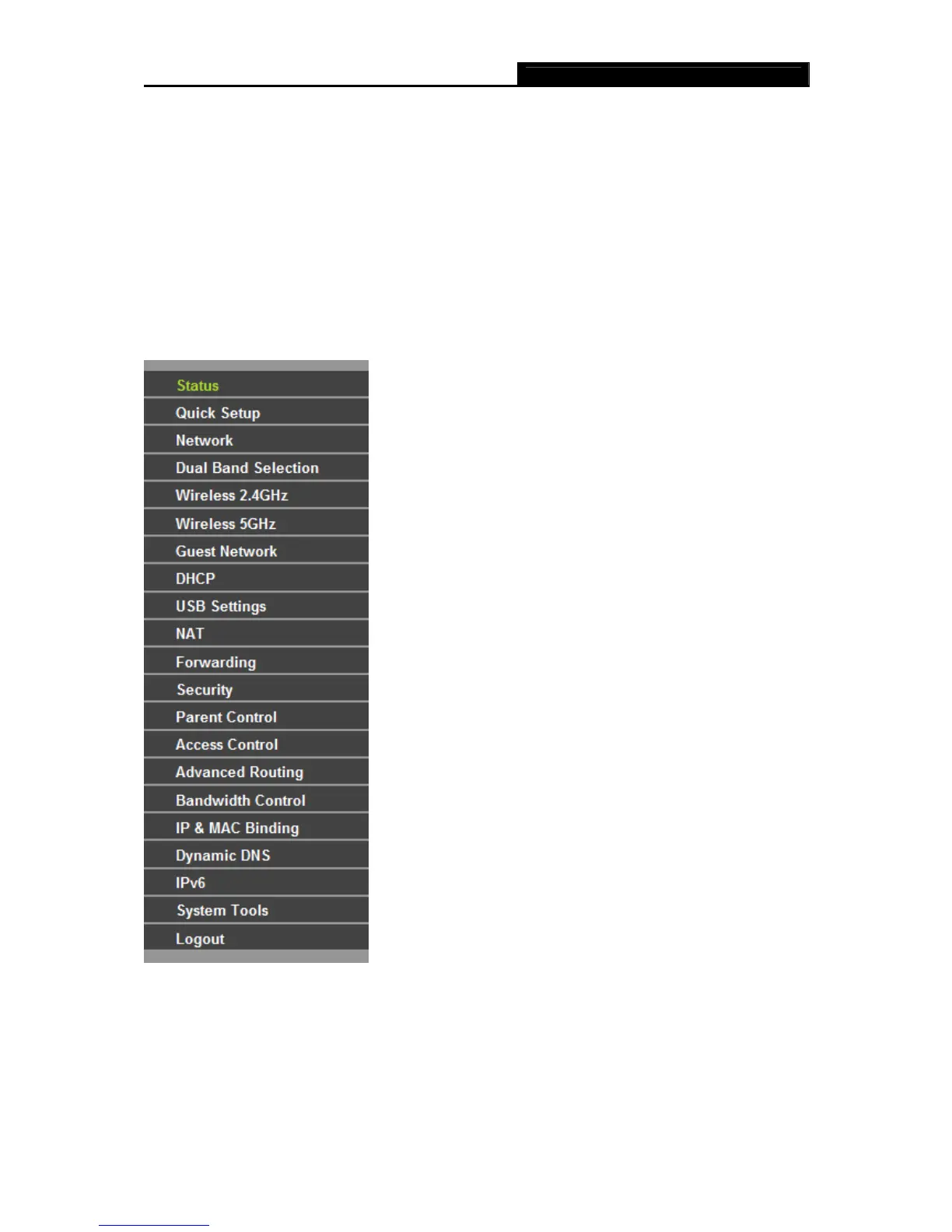
After your successful login, you will see the main menus on the left of the Web-based utility. On the
right, there are the corresponding explanations and instructions.
The detailed explanations for each Web page’s key function are listed below.
4.2 Status
The Status page provides the current status information about the router. All information is
read-only.














 To Next Page