81
Q7. What can I do if I cannot find my wireless network or I cannot connect
the wireless network?
¾ If you fail to find any wireless network, please follow the steps below:
1. Make sure the wireless function is enabled if you’re using a laptop with built-in
wireless adapter. You can refer to the relevant document or contact the laptop
manufacturer.
2. Make sure the wireless adapter driver is installed successfully and the wireless
adapter is enabled.
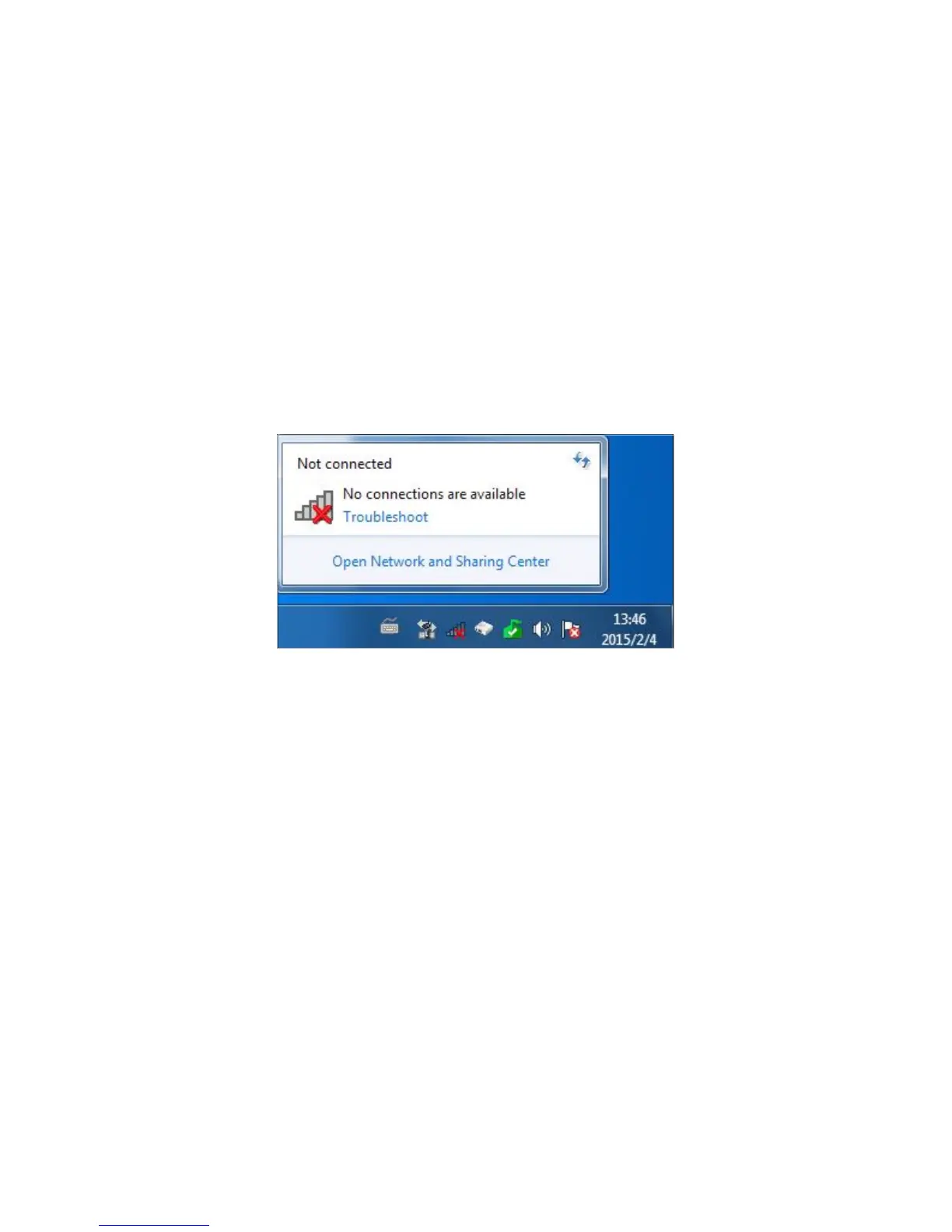
On Windows 7
1 ) If you see the message No connections are available, it is usually because the
wireless function is disabled or blocked somehow;
2 ) Clicking on Troubleshoot and windows might be able to fix the problem by itself.
On Windows XP















 To Next Page