08
Software Configuration
Omada EAPs offer wireless coverage solutions for small to medium-sized businesses and
households. They can work independently as standalone APs or be centrally managed via an
Omada Controller, delivering a flexible, feature-rich, and easy-to-configure wireless network.
Get Started
Choose a method to set up your EAPs:
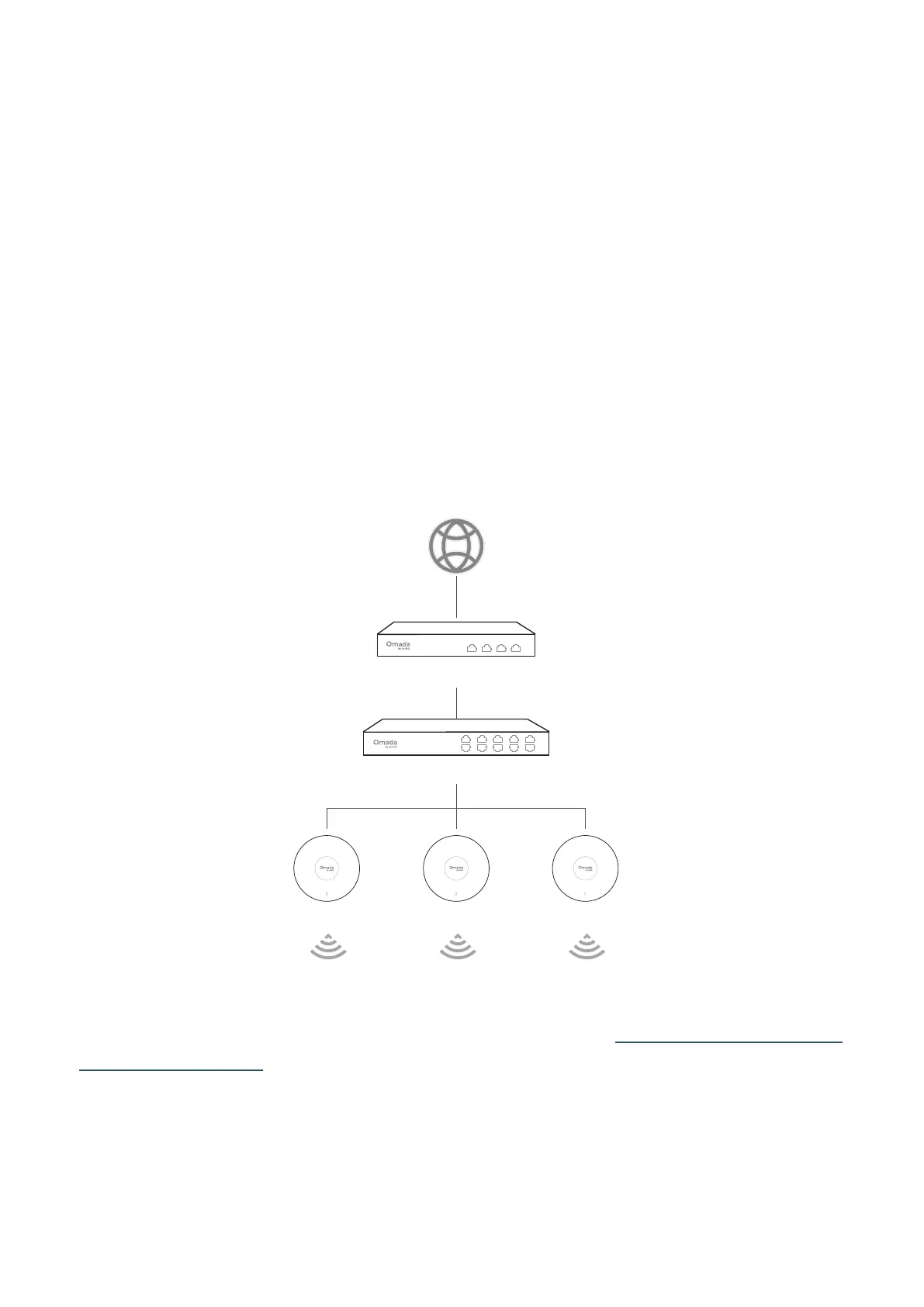
• Method 1: Standalone Mode
Configure and manage each EAP on its standalone page.
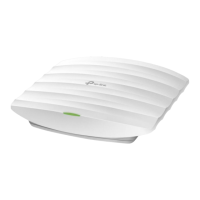
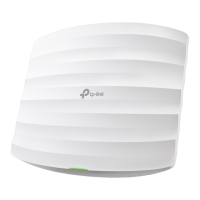
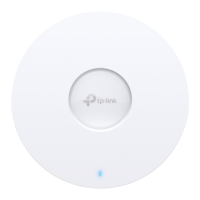
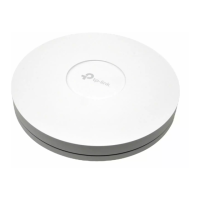
Note: The gure below uses the Ceiling Mount Access Point for demonstration. Other types of EAPs
can be used in a similar manner.
Switch
Gateway/Router
EAP EAP EAP
For instructions on how to get started with a standalone EAP, refer to https://www.omadanetworks.
com/support/faq/4097/.
• Method 2: Controller Mode
Configure and manage EAPs (and other Omada devices) centrally with an Omada Controller.
Note: The gure below uses a Ceiling Mount Access Point for demonstration. Other types of EAPs






 To Next Page