02
Hardware Overview
This chapter provides a detailed hardware overview of the EAP.
Ceiling Mount Access Point
Front Panel
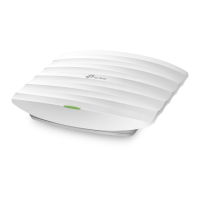
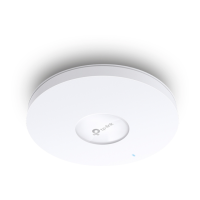
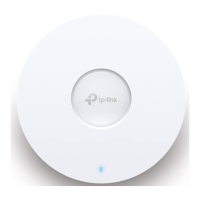
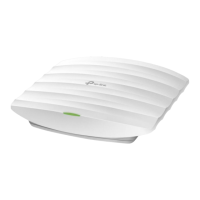
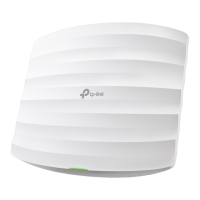
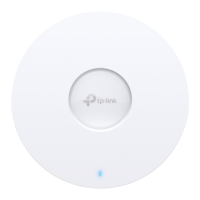
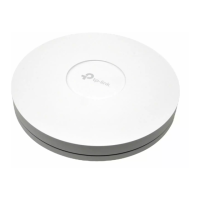
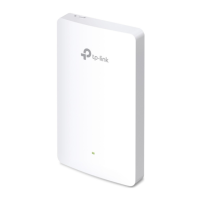
The EAP is equipped with a system LED that indicates the system status on the front panel.
LED
LED Status Indication
On • For EAPs with single-color LED:
Working normally/Initializing.
• For EAPs with dual-color LED:
Blue: Normal power supply
Yellow: Low power supply
Off Working abnormally/Power off/LED is turned off.
Flashes twice Initialization is complete.
Flashing quickly The EAP is resetting, or the Omada controller is locating the device.*
Flashing once per
second
The EAP is updating the firmware.
On with periodic
off
The EAP is in the isolated state.
* When the Locate feature is activated in the Omada Controller, the LED will flash quickly for 10
minutes to help you locate and identify the device. You can disable this feature manually to stop the
device from ashing.






 To Next Page