05
Buttons & Ports
Item Description
RESET
Button
Press and hold for about 5 seconds to reset the AP to its factory
default settings.
Ethernet Port Connect to a PSE (Power Sourcing Equipment), such as a PoE switch,
for both data transmission and power supply.
Grounding
Terminal
Connect to grounding facilities for lightning and ESD protection.
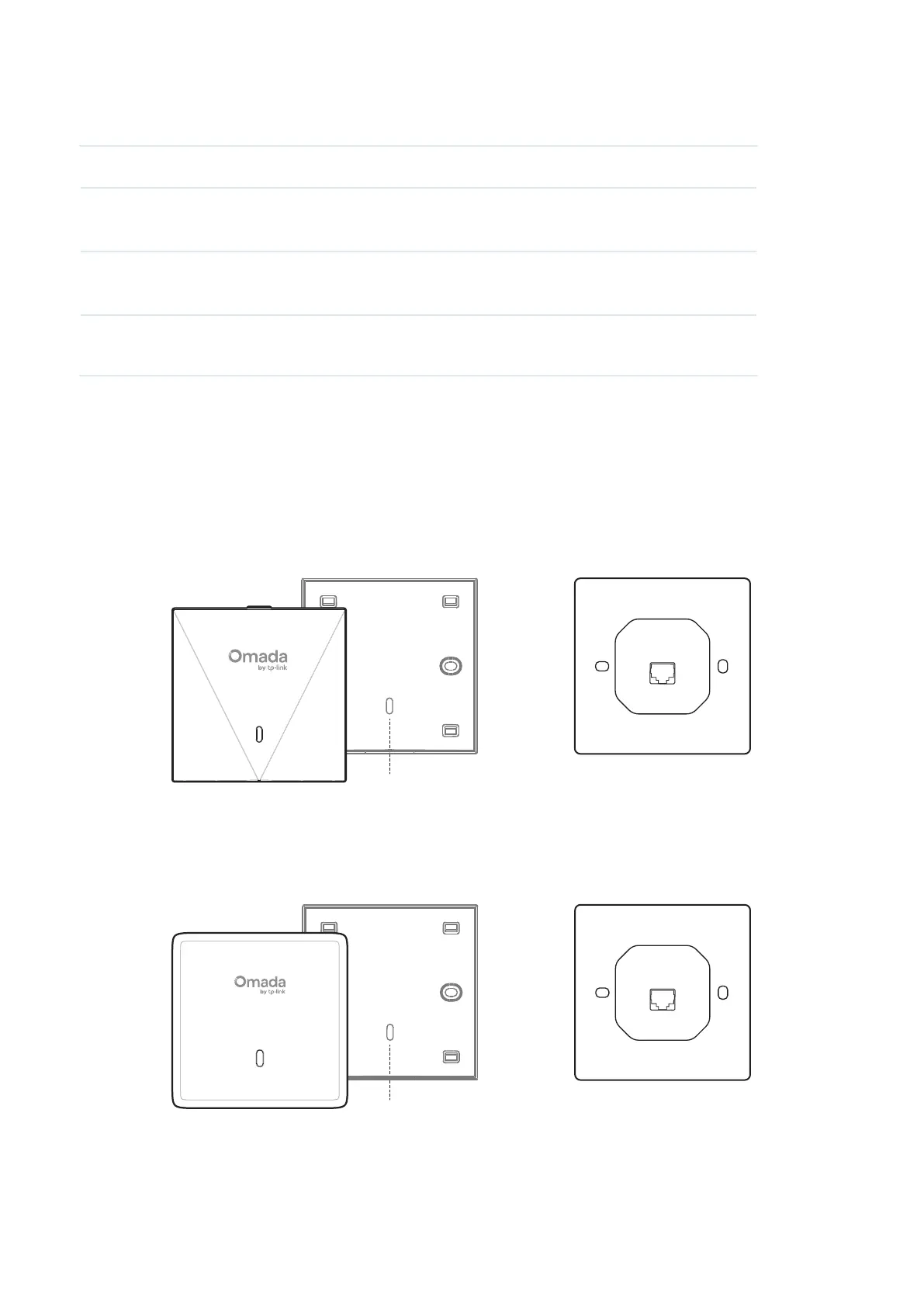
Wall Plate Access Point
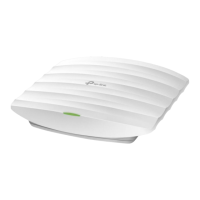
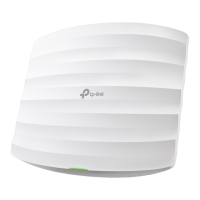
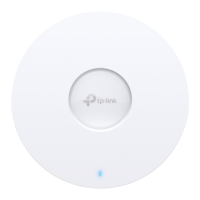
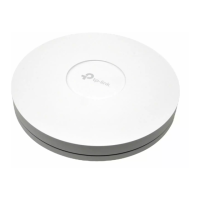
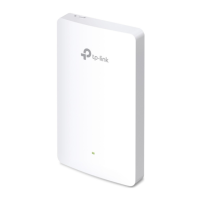
The EAP is equipped with a system LED that indicates the system status on the front or side panel.
The ports and buttons are located on the bottom and may vary by model.
EAP650-Wall
LED
Faceplate Body Rear Panel
EAP720-Wall
LED
Faceplate Body Rear Panel






 To Next Page