CONTENTS
About This Guide ................................................................................................................ 01
Related Documentation ....................................................................................................................................01
More Resources ..................................................................................................................................................01
Hardware Overview ...........................................................................................................02
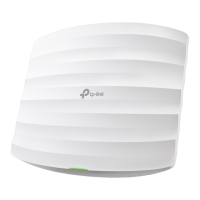
Ceiling Mount Access Point ............................................................................................................................02
Front Panel ...................................................................................................................................................... 02
Rear Panel ....................................................................................................................................................... 03
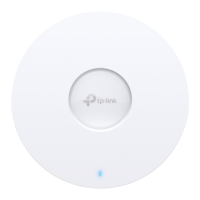
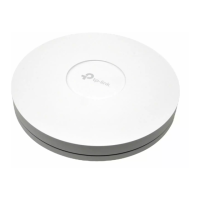
Indoor/Outdoor Access Point ........................................................................................................................04
LED Explanation ............................................................................................................................................ 04
Buttons & Ports ............................................................................................................................................. 05
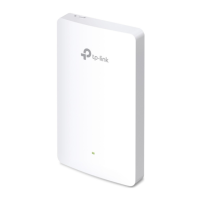
Wall Plate Access Point ....................................................................................................................................05
LED Explanation ............................................................................................................................................ 06
Buttons & Ports ............................................................................................................................................. 06
Hardware Installation ........................................................................................................07
Ceiling Mount Access Point ............................................................................................................................07
Indoor/Outdoor Access Point ........................................................................................................................07
Wall Plate Access Point ....................................................................................................................................07
Software Configuration ...................................................................................................08
Get Started ............................................................................................................................................................08
Omada App ............................................................................................................................................................09
More Configurations ..........................................................................................................................................09






 To Next Page