04
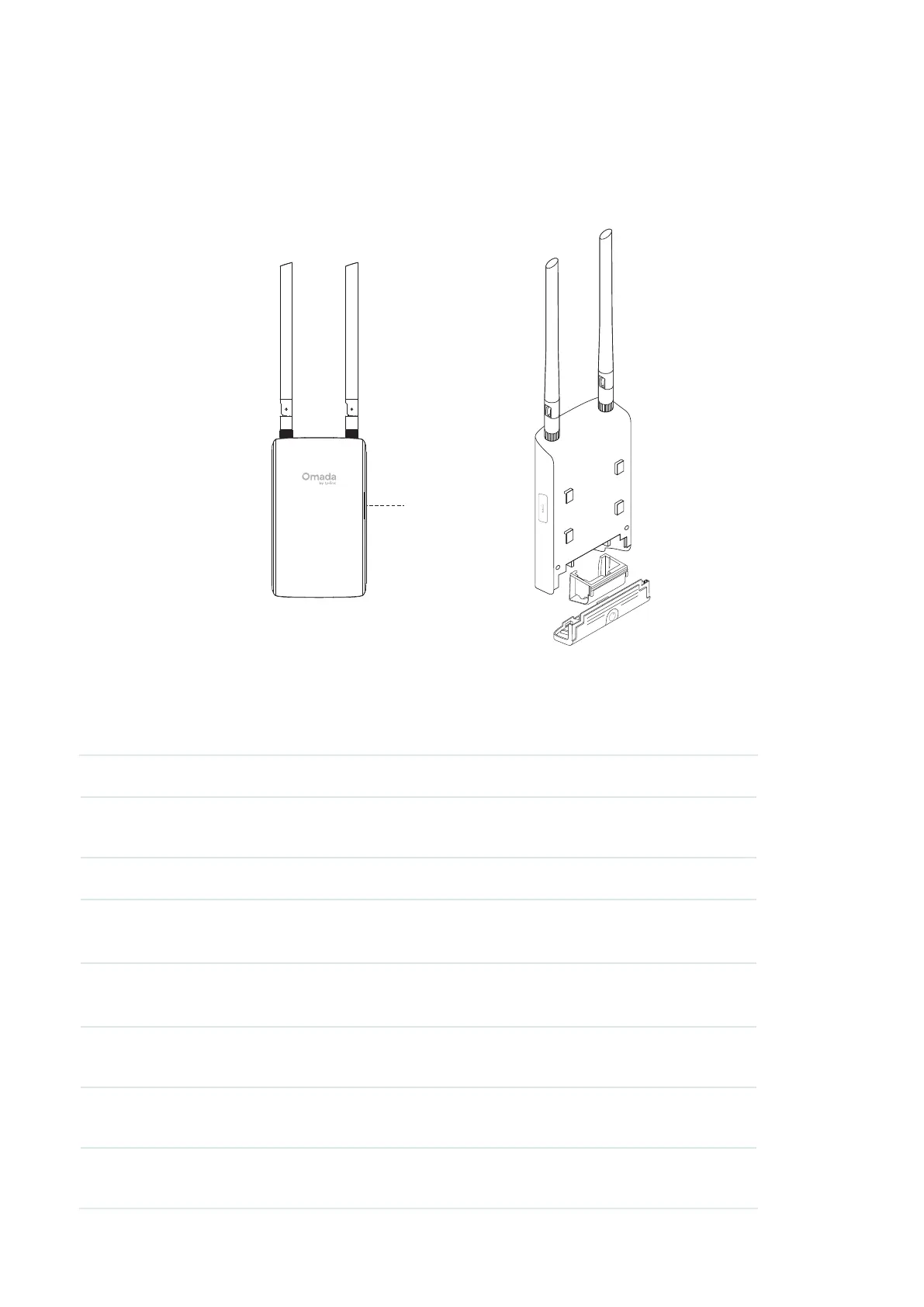
Indoor/Outdoor Access Point
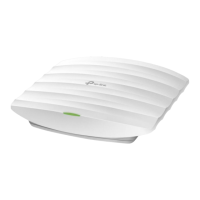
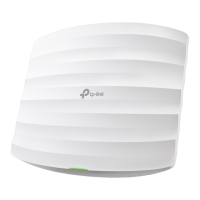
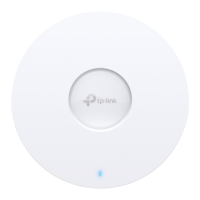
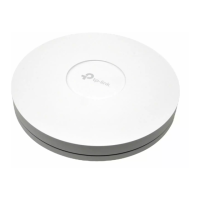
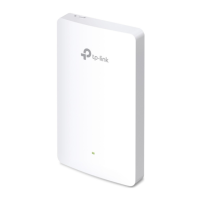
The EAP is equipped with a system LED that indicates the system status on the front or side panel.
The ports and buttons are located on the bottom and may vary by model.
LED
LED Explanation
The EAP is equipped with a system LED that indicates the system status of the access point.
LED Status Indication
Flashes green
twice
Initialization is complete.
Solid green The device is initializing or working properly.
Flashing yellow System errors. RAM, Flash, Ethernet, WLAN, or firmware may be
malfunctioning.
Slowly flashing
yellow, green
Firmware update is in progress. Do not disconnect or power off the
device.
Quickly flashing
green
Locating the device.
Quickly flashing
yellow, green
The device is being reset to its factory default settings.
Slowly flashing
green
The device is in an isolated state.






 To Next Page