07
Hardware Installation
Omada offers scenario-based EAPs for different kinds of environments. This chapter provides
quick references for hardware installation.
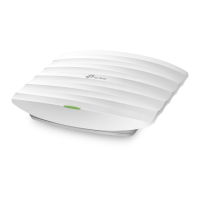
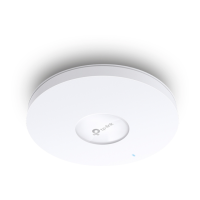
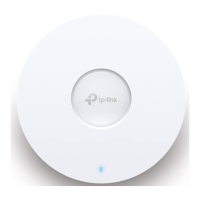
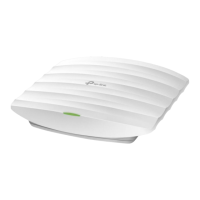
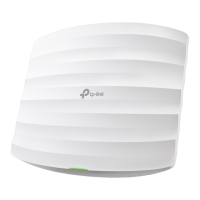
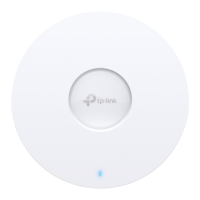
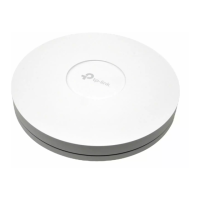
Ceiling Mount Access Point
The Ceiling Mount Access Point can be mounted to a ceiling, wall, or junction box. You can follow
the Quick Installation Guide to install the EAP using the accessories in the product packaging.
The Quick Installation Guide can be found in the product packaging and on the Support page of
your model at https://www.omadanetworks.com/business-networking/omada-wifi-ceiling-mount/.
Indoor/Outdoor Access Point
The Indoor/Outdoor Access Point can be mounted to an outdoor wall or pole for outdoor Wi-Fi
coverage. Long-range indoor Wi-Fi coverage is also applicable.
The Quick Installation Guide can be found in the product packaging and on the Support page of
your model at https://www.omadanetworks.com/business-networking/omada-wifi-outdoor/.
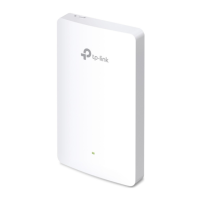
Wall Plate Access Point
The Wall Plate Access Point can be installed directly into wall junction boxes for a seamless Wi-Fi
network in each room, ideal for hotels, dormitories, apartments, villas, and meeting rooms.
The Quick Installation Guide can be found in the product packaging and on the Support page of
your model at https://www.omadanetworks.com/business-networking/omada-wifi-wall-plate/.






 To Next Page