25
Gigabit Web Smart Switch User's Guide
TL-SG2109WEB/TL-SL2210WEB/TL-SL2218WEB/TL-SL2428WEB/TL-SL2452WEB
In the case of IE5.0, please check the option “Every visit to the page”;
otherwise, some wrong information may display in WEB pages. If the
IE version is 6.0, “Every visit to the page” or “Automatically” are both
appropriate.
Click the “OK” button and complete this setting.
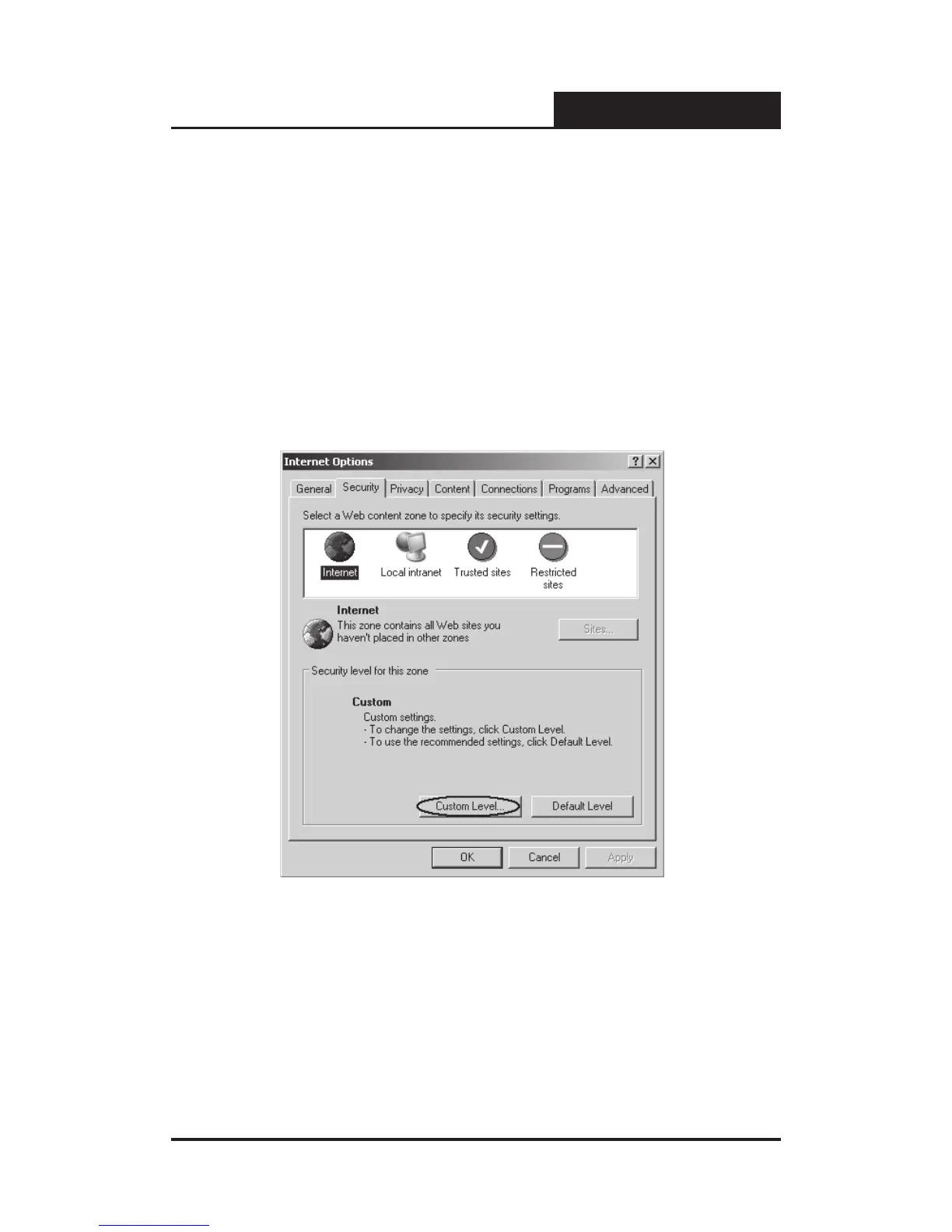
Thirdly, click the “Security” label of “Internet Options” dialog; press the
“Custom Level” button hinted in gure 5-3.
Figure 5-3 Internet Options Dialog
A dialog will display as below.











 To Next Page