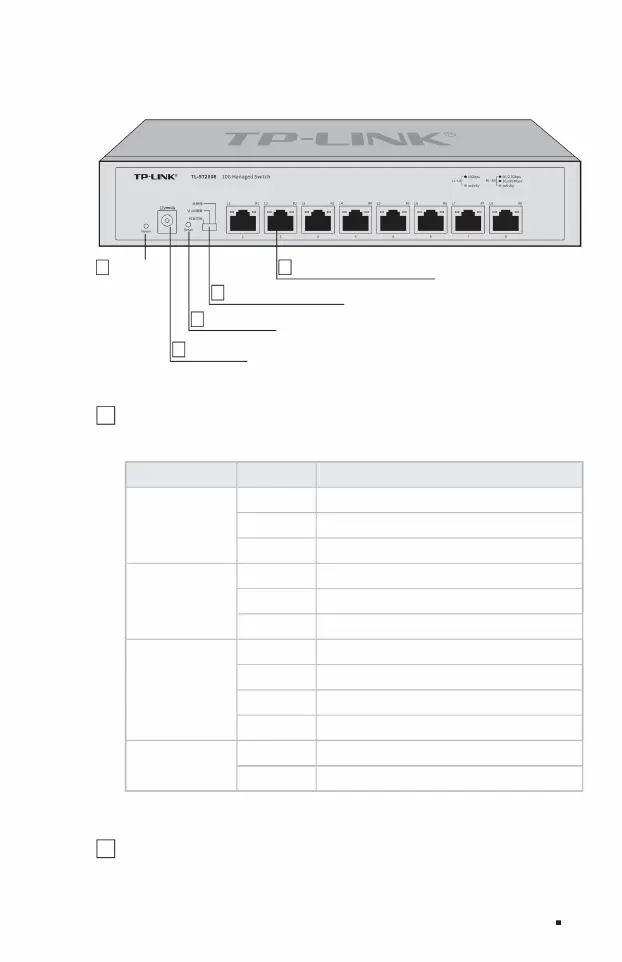
1 indicator light
The front panel of TL-ST2008 is shown in Figure 1-3.
Table 1-1 Description of working status of indicator lights
Figure 1-3TL-ST2008 front panel diagram
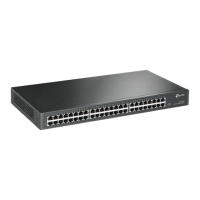
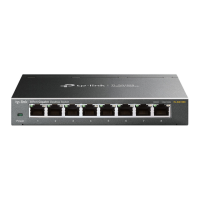
TL-ST2005 has 5 10G RJ45 ports, and TL-ST2008 has 8 10G RJ45 ports.
Indicator light working status working description
Off: No device is connected to the corresponding port.
The green light corresponds to the port working at 5G/2.5Gbps.
The yellow light corresponding to the port works at 1G/100Mbps.
See Table 1-1 for details.
Full 10 Gigabit Cloud Management Switch Installation Manual
(L1~L5ÿL1~L8)
USB
Link/Act
Off USB is not connected or connected abnormally
6 Power interface
Green is on when the port is operating at 10Gbps.
Flashing is when the port is transmitting data.
Off: No device is connected to the corresponding port
Always on USB connection is normal
4Reset button
Off System is not powered
Power
The corresponding port is flashing and transmitting data.
5 System mode selection switch
2 8 10Gbps RJ45 ports
Flashing system power supply abnormality
(R1~R5ÿR1~R8)
Product Introduction 03
1Indicator light
Steady on: The system power supply is normal
Link/Act
2 10Gbps RJ45 ports
Machine Translated by Google



 To Next Page