58
Chapter 4
&RQƮJXUHWKH5RXWHULQ6WDQGDUG:LUHOHVV5RXWHU
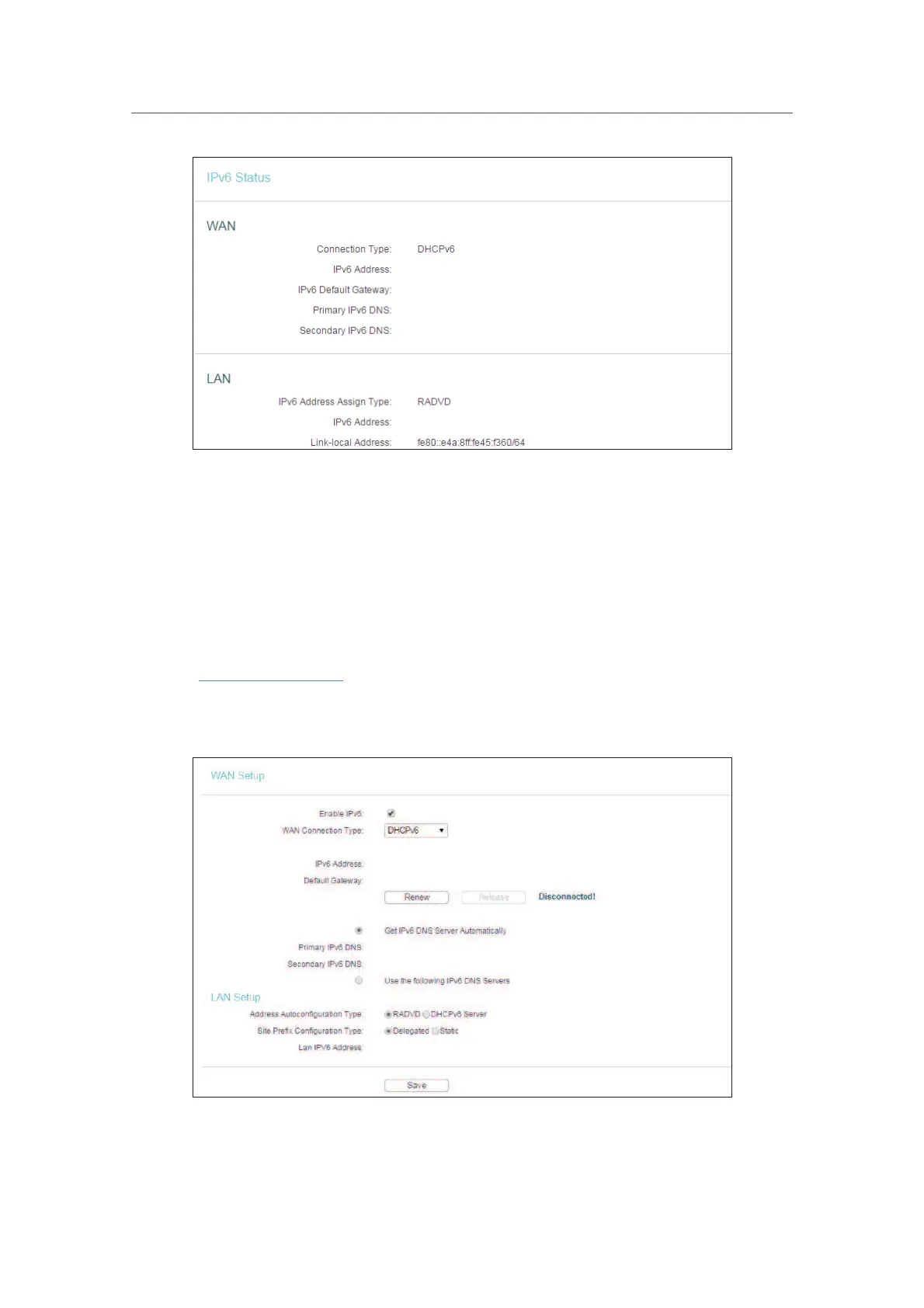
• WAN - This section shows the current IPv6 information of the router’s WAN port,
including
Connection Type, IPv6 Address information, IPv6 Default Gateway, Primary
IPv6 DNS
and Secondary IPv6 DNS.
•
LAN - This section shows the current IPv6 information of the router’s LAN port,
including
IPv6 Address Assign Type, IPv6 Address and Link-local Address.
4. 16. 2. IPv6 Setup
1. Visit http://tplinkwifi.net, and log in with the username and password you set for the
router.
2. Go to
IPv6 Support > IPv6 Setup.
3. Select the WAN Connection Type according to your ISP network topolopy:
•
SLAAC - Connections which use RADVD IPv6 address assignment.












 To Next Page