Copyright © 2012 Test Products International, Inc. 9070 Vibration Analysis
PAGE 12
2.3.3 Advanced Settings
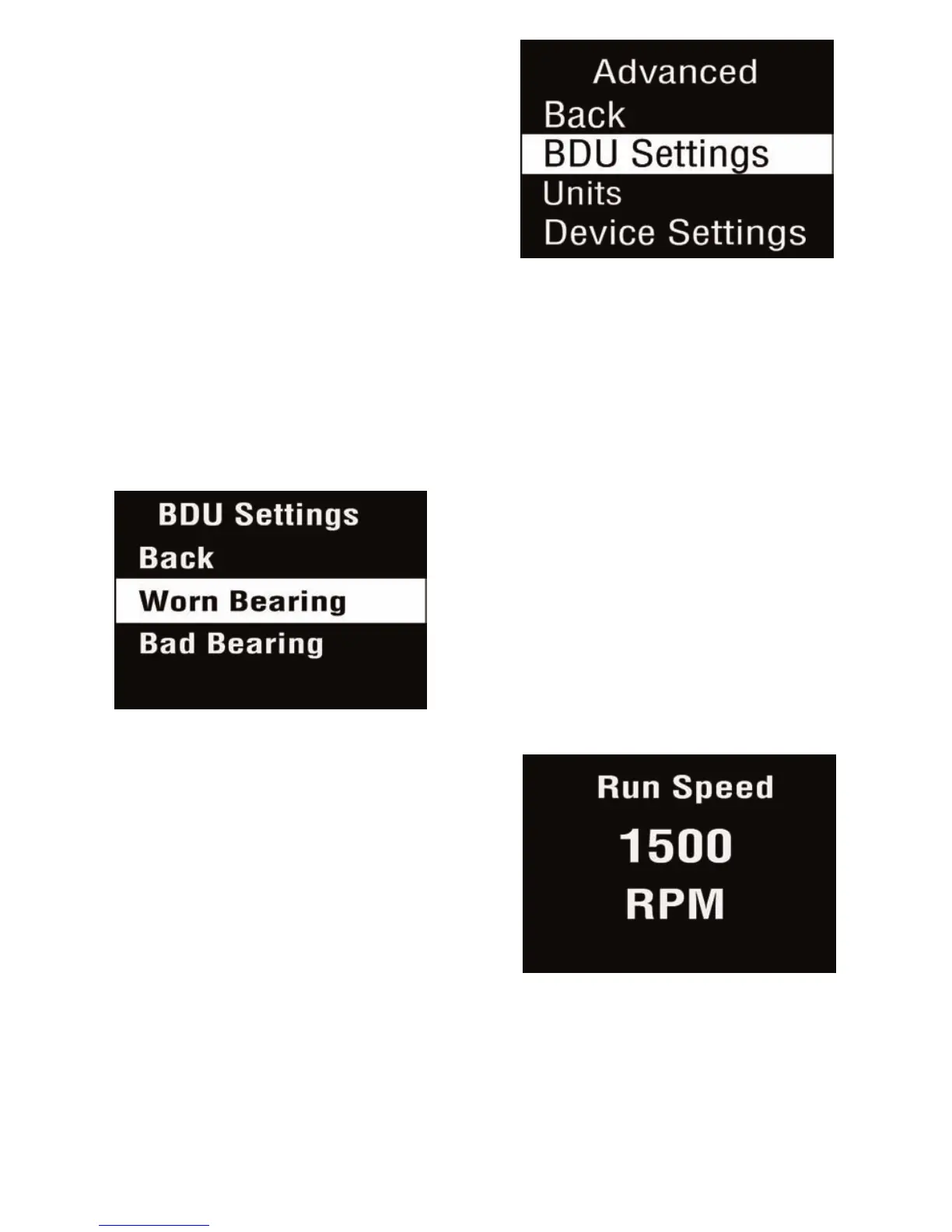
Selecting Advanced from the Settings
menu causes a further menu to
appear as shown in the screen shot
right. Selecting an option is again
done by pressing the arrow buttons
followed by the square button.
2.3.3.1 BDU settings
Selecting BDU Settings allows the alarm levels at which the BDU
readings change color to be altered by the user. Normal levels are
displayed on a Green background.
The BDU threshold values are
designated as Worn Bearing (where
readings turn Amber) and Bad
Bearing (where readings turn Red).
Both these threshold values can be
set independently using the left and
right arrow buttons.
The default BDU thresholds are 50 for
“Worn Bearings” (Amber level) and
100 for “Bad Bearings” (Red level).
These levels are indicative of medium
sized machine bearings operating at
run speeds in the region of 1000 to
3000 RPM.
Higher run speeds may need increased BDU threshold values to identify
worn or bad bearings. Lower run speeds may need decreased BDU
threshold values to identify worn or bad bearings.


 To Next Page