►
Press REMIX. The pads are assigned to Deck C's Remix Cells, while the rest of S8's Deck
section stays focused on Deck A.
►
Press either HOTCUE, LOOP or FREEZE to return the pads to controlling Deck A's func-
tions.
This shortcut allows you to perform both on the Track Deck, as well as the Remix Deck at the
same time, without having to switch focus between the Decks.
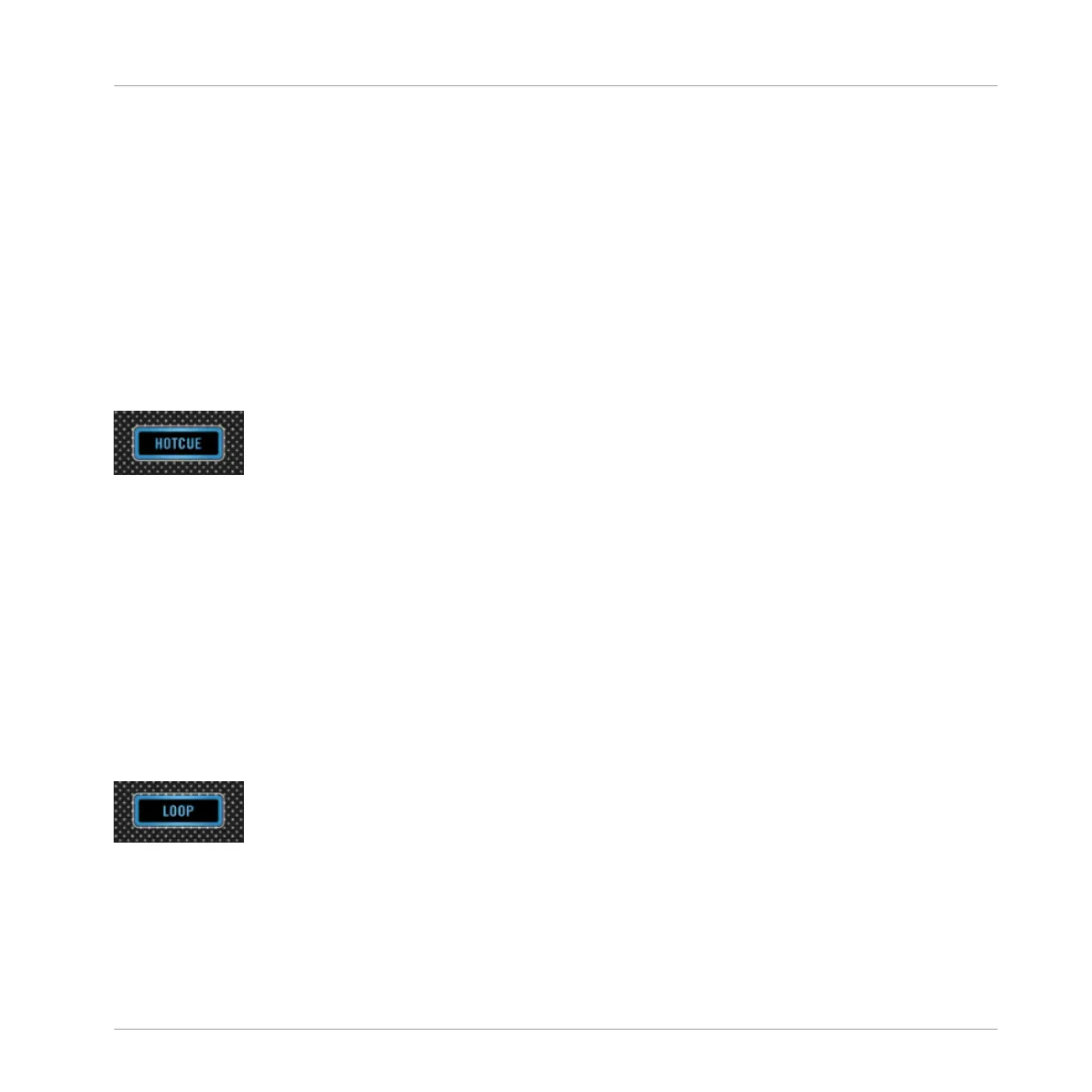
4.2.3.1 HOTCUE Button
Hotcue is the default mode for Track Decks. This mode is disabled automatically when you
switch focus to a Remix Deck.
HOTCUE Button
While in Hotcue mode, the pads store and trigger CUE markers in a track while it's playing:
• To store a marker, press a pad. If Quantize is activated in the GLOBAL section, these
markers are automatically moved to the next beat. Any pad assigned to a marker lights up
blue.
• To start playback from that marker, press any of the assigned pads.
• To delete the corresponding marker, hold SHIFT and then press a pad.
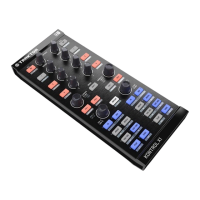
4.2.3.2 LOOP Button
Press the LOOP button to activate LOOP mode.
LOOP Button
When Loop mode is activated, the first row of pads turns green, and the second row turns or-
ange.
Hardware Reference
The Deck
TRAKTOR KONTROL S8 - Manual - 166


 To Next Page