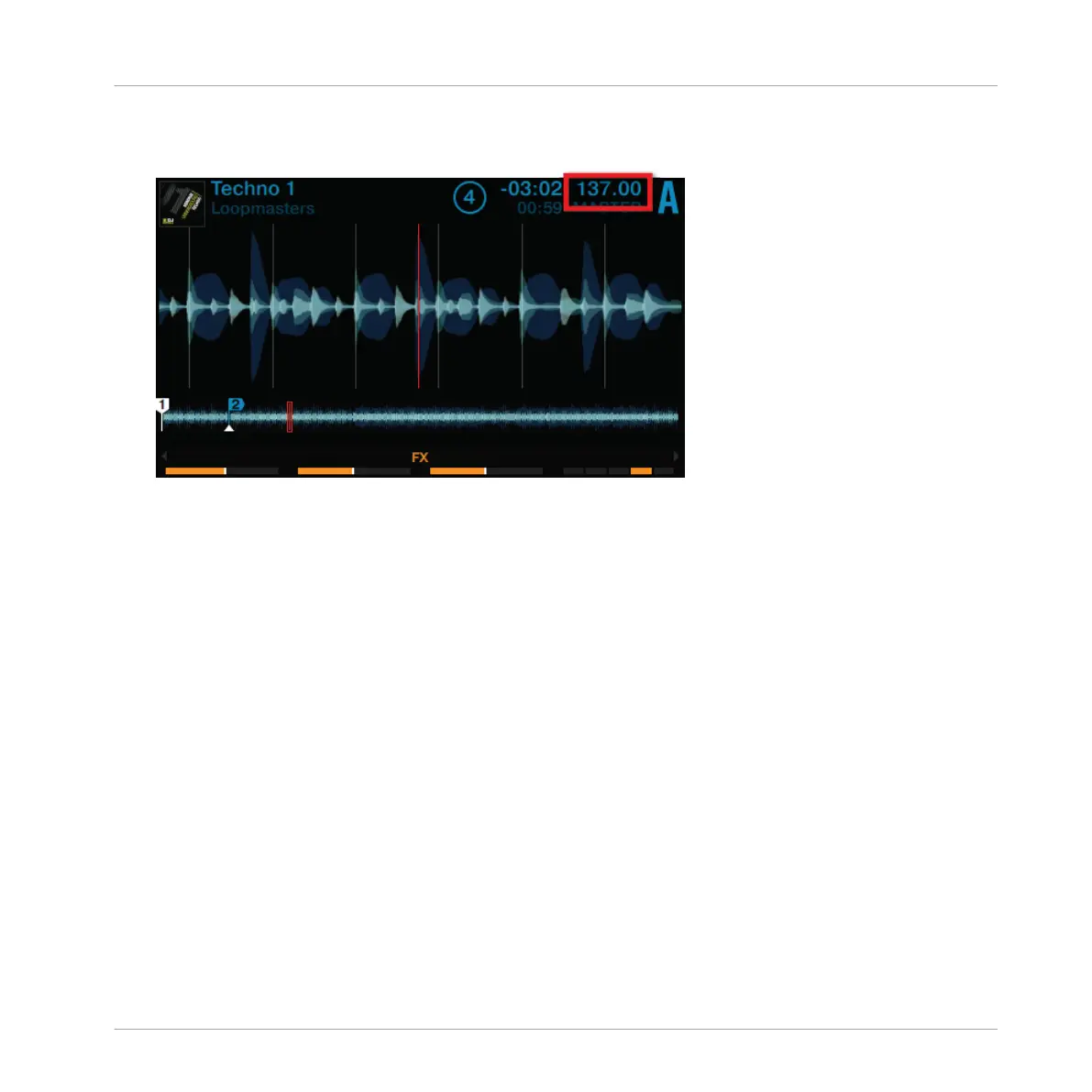
3. Press any SHIFT button and turn the TEMPO encoder clockwise or counterclockwise to in-
crease or decrease the tempo of TRAKTOR's Master Clock in whole steps.
4. Release the Deck's SHIFT button.
→
The global tempo has changed.
2.10.2 Deck-specific tempo adjustments
Deck-specific tempo adjustments can be made by using BPM mode which will be enabled on
the Decks and the BROWSE encoders:
Using Your S8—Getting Started
Adjusting Tempo
TRAKTOR KONTROL S8 - Manual - 64


 To Next Page