Alternatively, you can jump directly to an absolute position in the track by pressing SHIFT
+ placing your finger on the desired position on the Touch Strip.
3.1.2 Using the Touch Strip to Nudge/Pitchbend
Traditional DJ's who don't have an automatic Sync function at hand are used to physically
nudging, twisting, and tweaking a conventional turntable with either Timecode vinyl or tradi-
tional vinyl to temporarily speed up or slow down a track and align the beats manually. The S8
allows you to work in a similar way by using the Touch Strip:
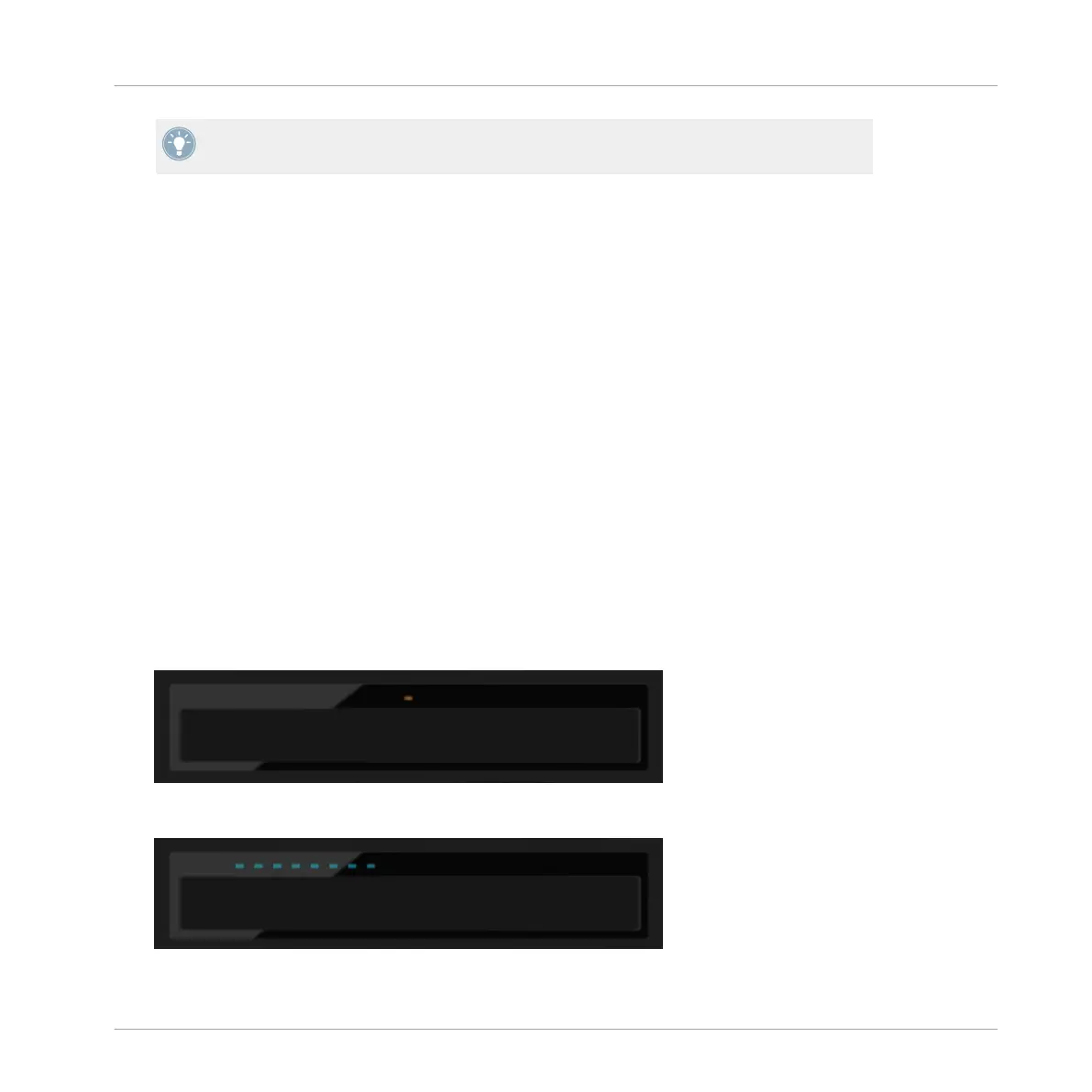
The LEDs above the Touch Strip provide visual information about a Deck's phase alignment.
They help you make the necessary tempo bend adjustments to get your tracks aligned.
The following tutorial will demonstrate how to manually beatmatch the two demo tracks "Tech-
no 1" and "Techno 2" by means of the Touch Strip, without using the sync function.
First step: Playing the Tracks
1.
On Deck A press the PLAY button to start playback. The Deck will be assigned to MASTER.
2.
On Deck B press the SYNC button to disable Sync. The SYNC button's backlight goes dim.
3.
Listen to the track playing in Deck A, and press the PLAY button of deck B on an appropri-
ate downbeat to start playback.
→
If your timing was perfect, a single orange LED at the center of the LED strip lights up,
indicating the phase-alignment of both tracks is correct.
If your timing was a little off, a few blue LEDs above the Touch Strip light up, indicating
the amount of phase-misalignment.
Using Your S8—Getting Advanced
Using Touch Strip
TRAKTOR KONTROL S8 - Manual - 77


 To Next Page