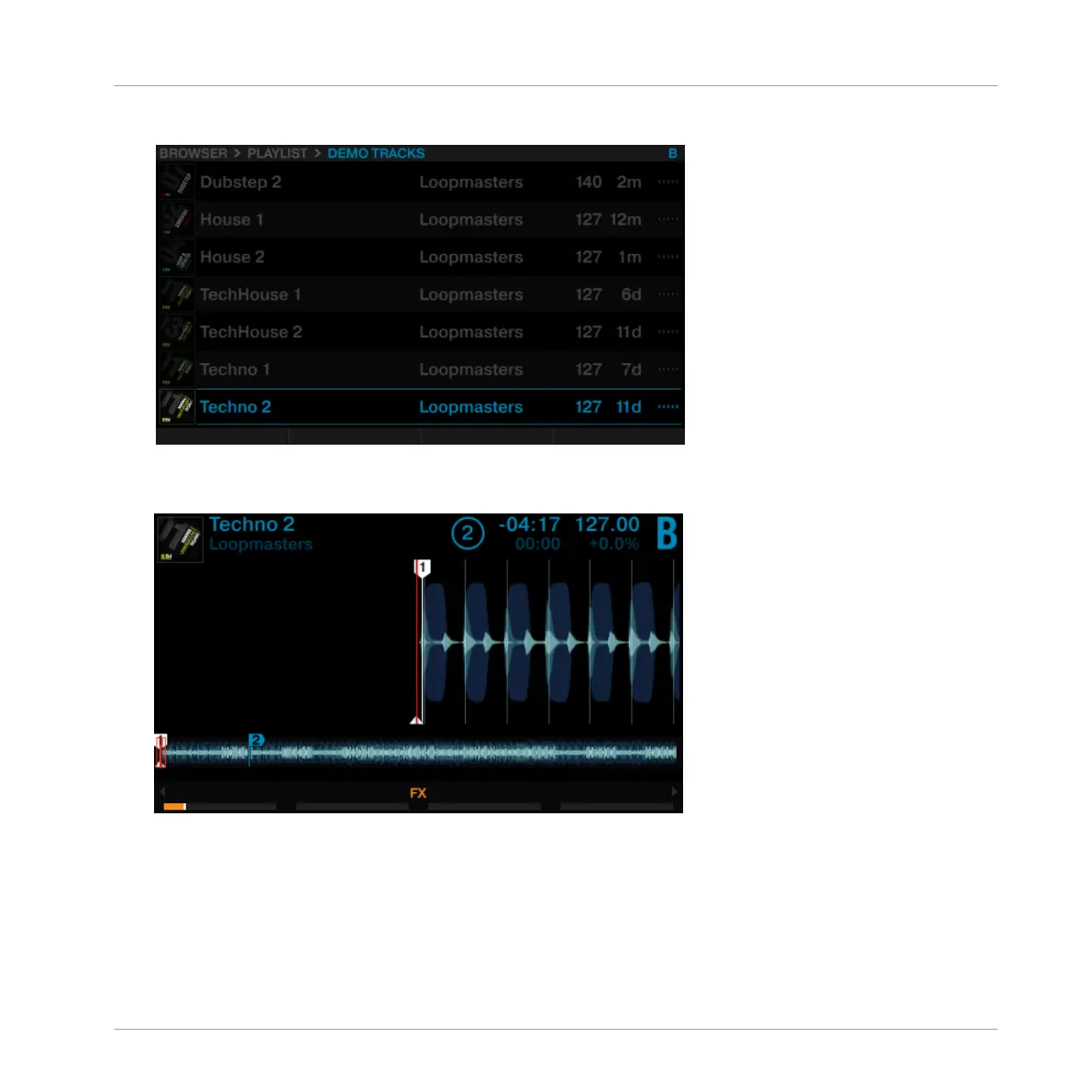
2. Scroll to the track Techno 2.
3. Press the BROWSE encoder to load the track into Deck B.
→
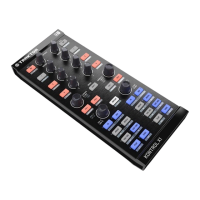
The track is loaded. Its waveform and info appear in the display.
2.7.2 Playing the Second Track
►
Press the PLAY button on the right Deck to start the playback.
Using Your S8—Getting Started
Mixing In a Second Track
TRAKTOR KONTROL S8 - Manual - 45


 To Next Page