→
Playback continues as normal.
By pushing the LOOP encoder when there is no Loop active, you activate looping: the next
Loop in the track will be activated.
3.2.2 Moving a Loop
With a loop size selected, you can move the Loop selection to another position within your
track.
To move the Loop:
►
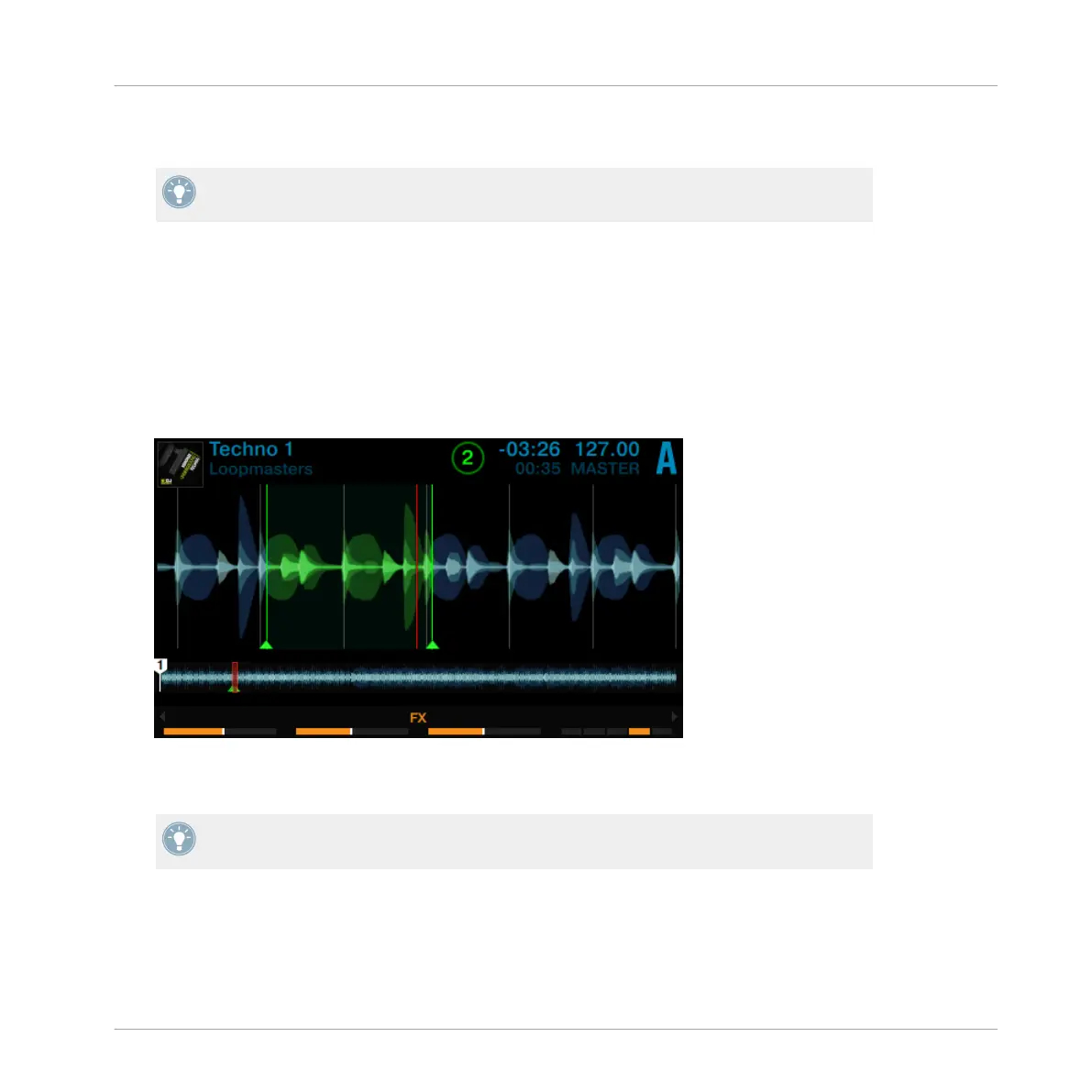
Press the Deck's SHIFT button and turn the LOOP encoder. The loop selection will be
moved through the track on the fly and looping continues at the respective position.
The step size you move the selection by is the same as the loop size, which is shown in the
display.
Turning the LOOP encoder when there is no Loop active lets you jump backward/forward
through the track by the same step size.
Using Your S8—Getting Advanced
Playing with Loops in HOTCUE Mode
TRAKTOR KONTROL S8 - Manual - 86


 To Next Page