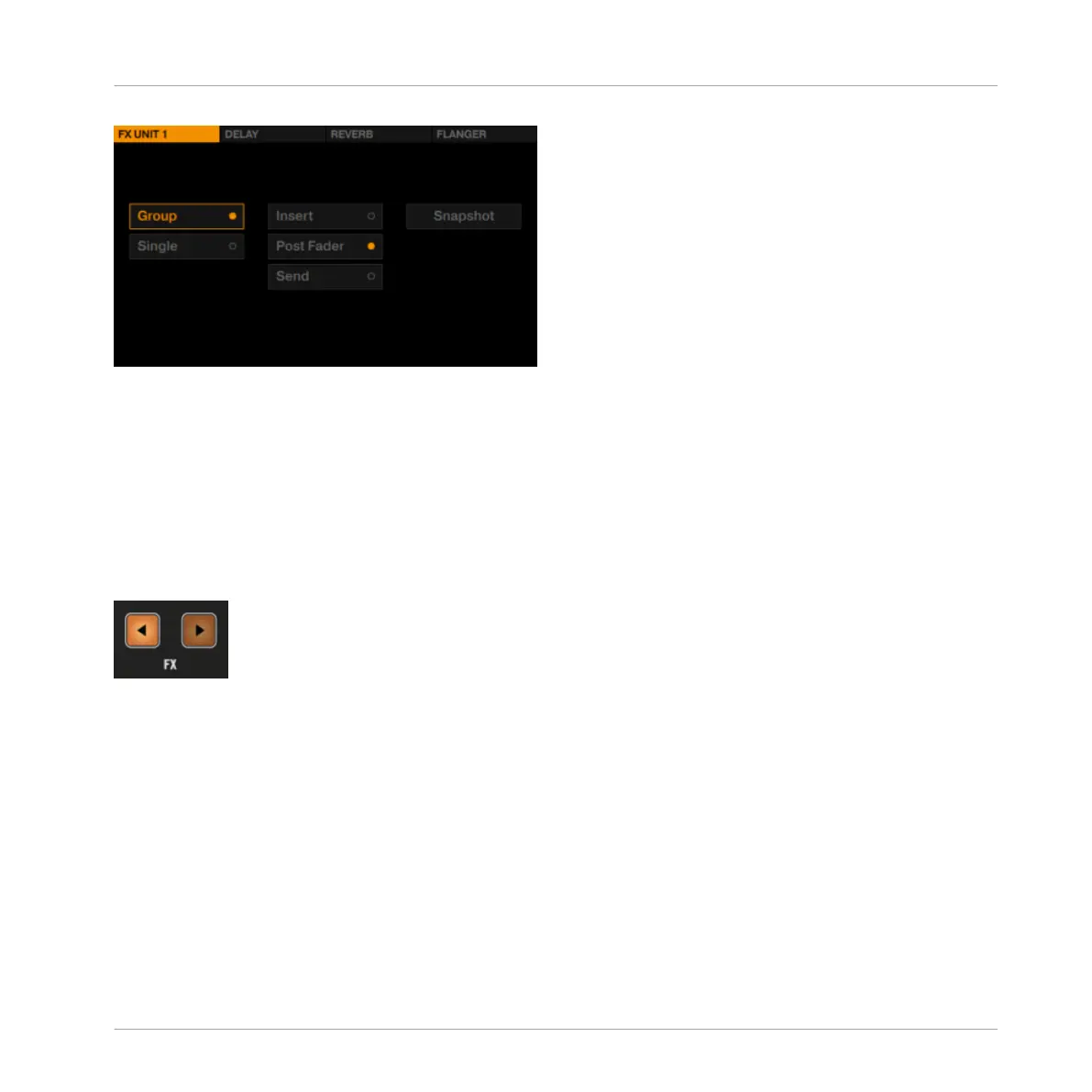
FX Unit 1's FX Setup Menu
The options in these FX Settings determine how you will use the FX Units. We highly recom-
mend you read the next section to understand what these settings do.
4.3.3 FX Unit Assignment
►
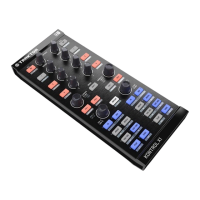
In order to route a Deck's signal to an FX Unit, press the corresponding FX Assign button
in the mixer channel.
FX Assign Buttons
►
In TRAKTOR's default setup with 2 FX Units, press the left FX button to assign the mixer
channel to FX Unit 1. Press the right FX button to assign the channel to FX Unit 2. The
FX assign buttons light up bright orange when assigned.
4.3.4 Using Four FX Units
By default, TRAKTOR is set up with two FX Units. In order to use all four of TRAKTOR'S FX
Units, you need to change the following setting:
►
In TRAKTOR's Preferences, select Effects>FX Unit Routing>4 FX Units.
Hardware Reference
The FX Unit
TRAKTOR KONTROL S8 - Manual - 201


 To Next Page