►
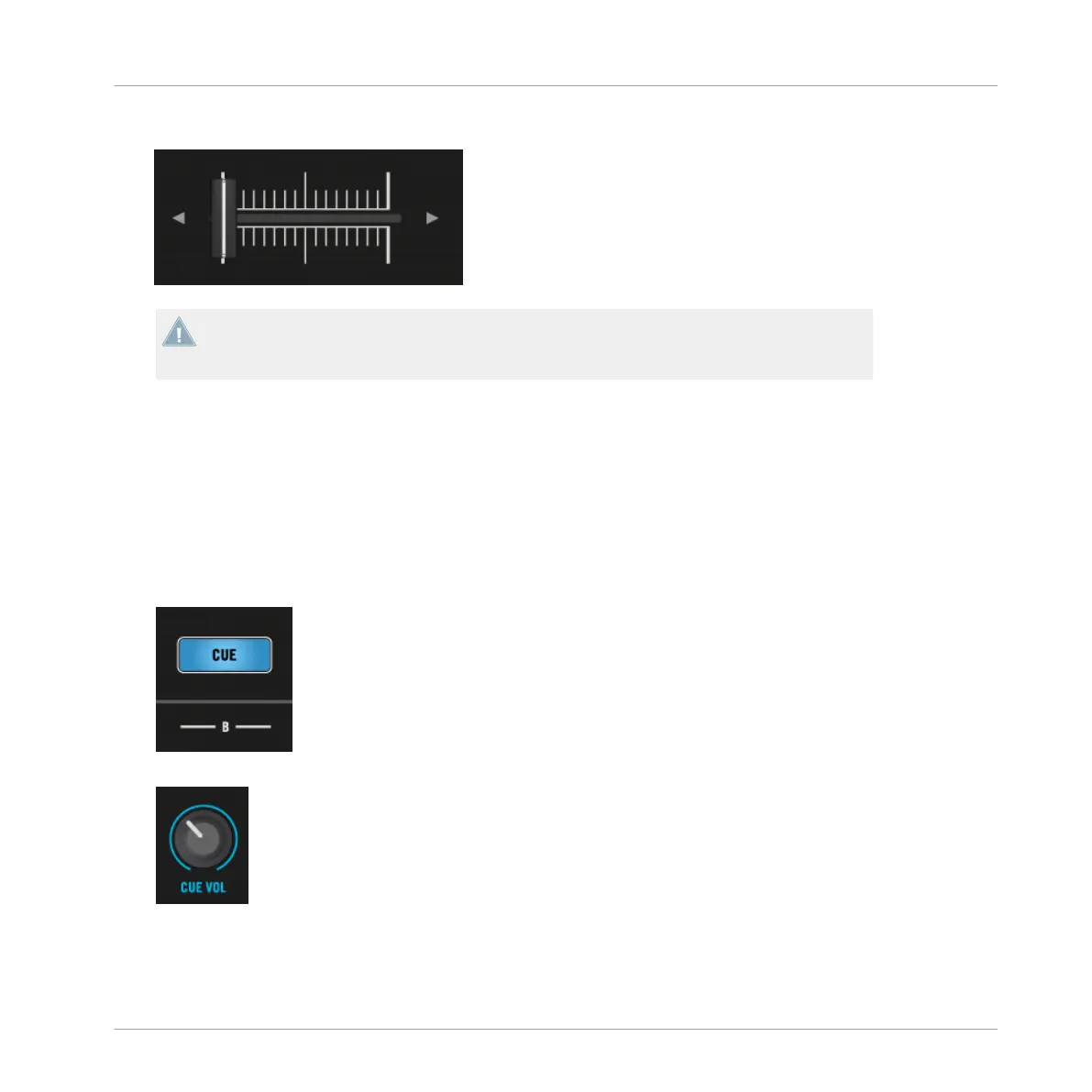
Pull the Crossfader all the way back to the left.
If you still don’t hear any sound coming from Deck B even with the Crossfader all the way
to the right, check the troubleshooting guidelines in section ↑2.6.3, If You Don’t Hear the
Track.
2.7.3 Using Headphones to Prepare the Mix
Typically, a DJ needs to be able to prepare a mix on the headphone cue before committing to
it and sending it to the main out. This is how you use your headphones for the preparation on
S8:
1. Put on your headphones.
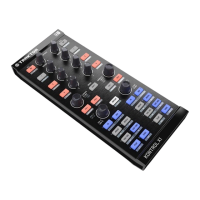
2. On your S8, press the CUE button on channel B. The button lights up, indicating that
Deck B is now sent to the CUE channel.
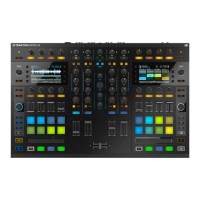
3. Gradually raise the CUE VOL knob.
→
You will hear the cued track in your headphones.
Using Your S8—Getting Started
Mixing In a Second Track
TRAKTOR KONTROL S8 - Manual - 47


 To Next Page