3.2.3 Storing a Loop
In a previous tutorial, you learned how to store Cue Points, which is as simple as pressing an
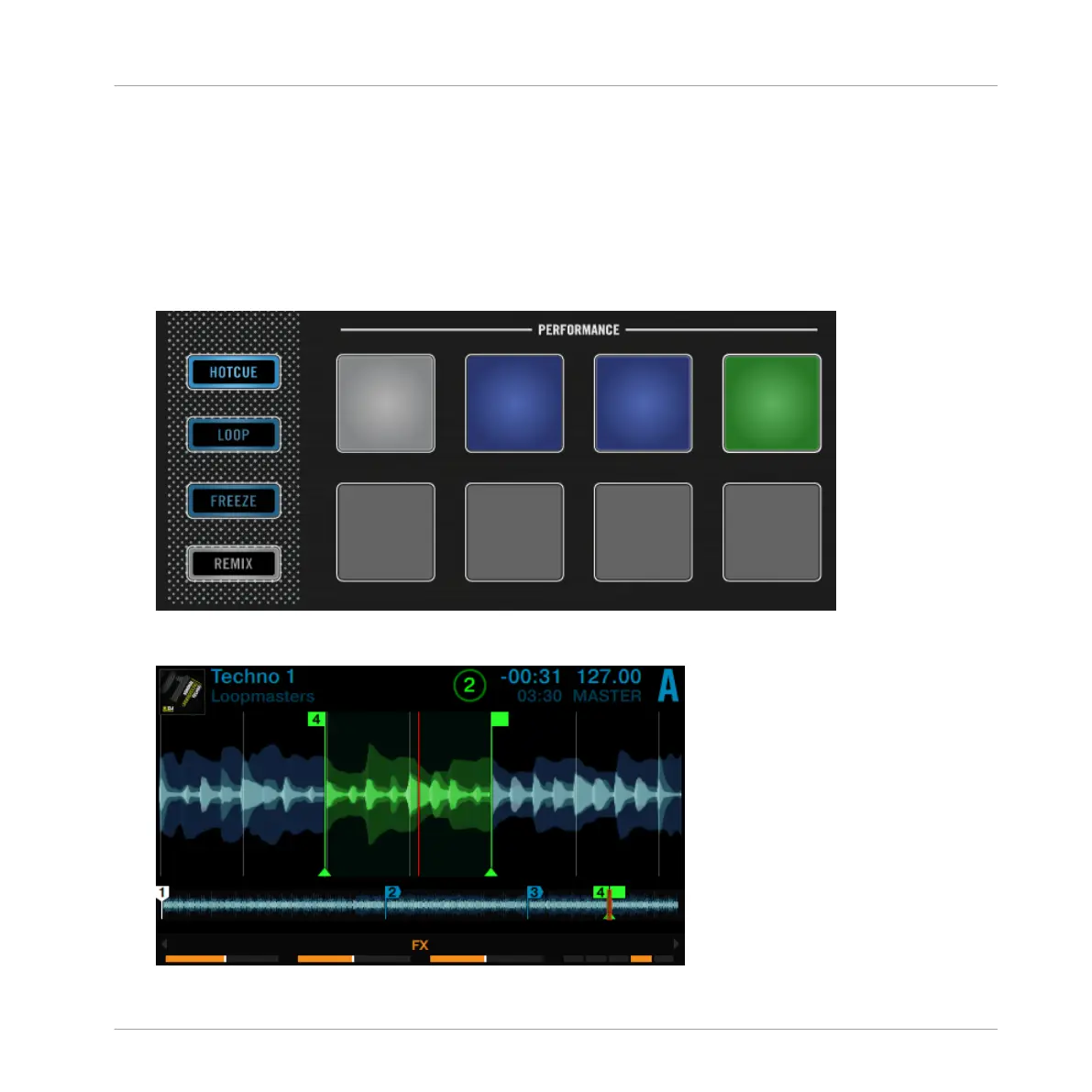
unlit pad. Storing Loops works in a similar way. Let's say you have stored two HotCues in the
track currently playing:
1. Press the Deck's LOOP encoder to engage a Loop.
2. To store the active Loop, press an unlit pad. The pad lights up green.
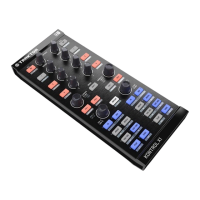
The display will show a green marker indicating the Loop. The marker also shows the
number of the corresponding pad.
Using Your S8—Getting Advanced
Playing with Loops in HOTCUE Mode
TRAKTOR KONTROL S8 - Manual - 87


 To Next Page