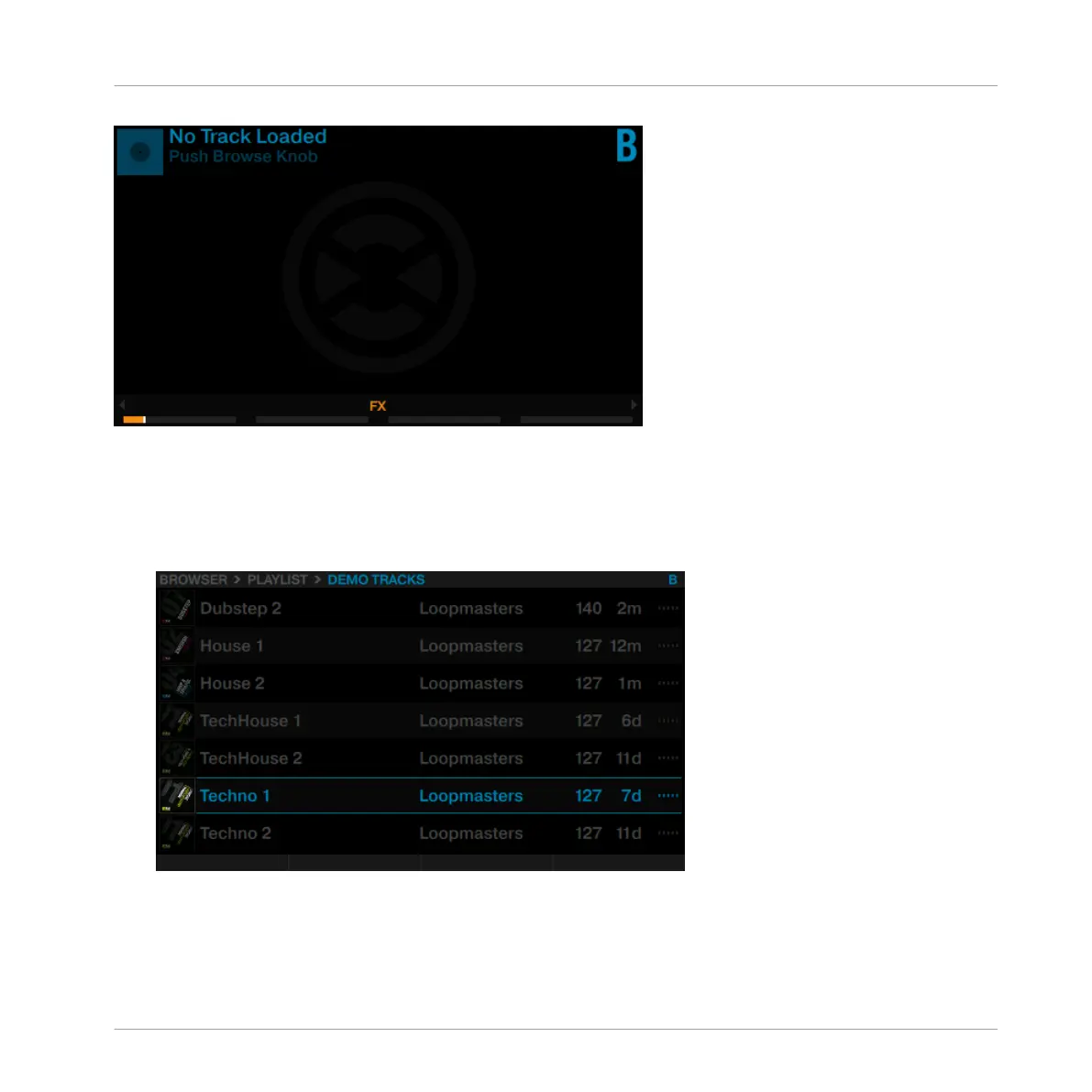
Track Deck B in its empty state.
While looking at the right Deck display reading "No Track Loaded, Touch Browse Knob", do the follow-
ing:
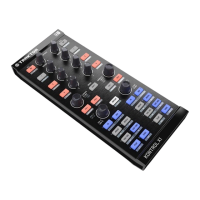
1. Press the BROWSE encoder of the right Deck to open the Browser. The Browser resumes
at the last selected item.
Using Your S8—Getting Started
Mixing In a Second Track
TRAKTOR KONTROL S8 - Manual - 44


 To Next Page