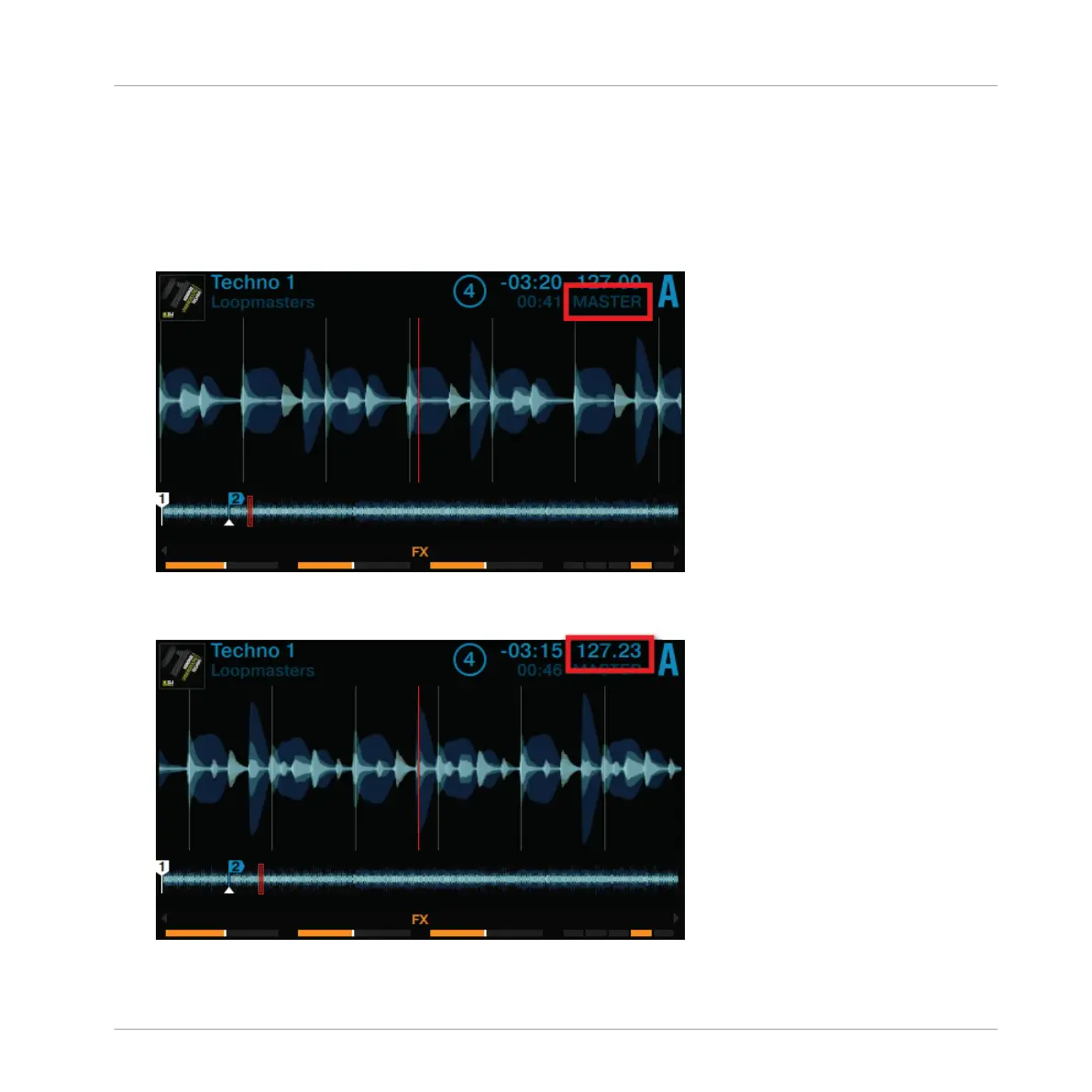
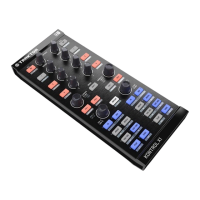
Turning the TEMPO encoder will adjust the tempo of the assigned MASTER deck, along with any
other decks that have their SYNC buttons active. You can adjust the tempo in whole steps or in
decimal steps.
Adjusting the Global Tempo
1. Press the PLAY button on Deck A. The Deck will be assigned to MASTER.
2. Turn the TEMPO encoder clockwise or counterclockwise to increase or decrease the tem-
po of TRAKTOR's Master Clock in decimal steps.
Using Your S8—Getting Started
Adjusting Tempo
TRAKTOR KONTROL S8 - Manual - 63


 To Next Page