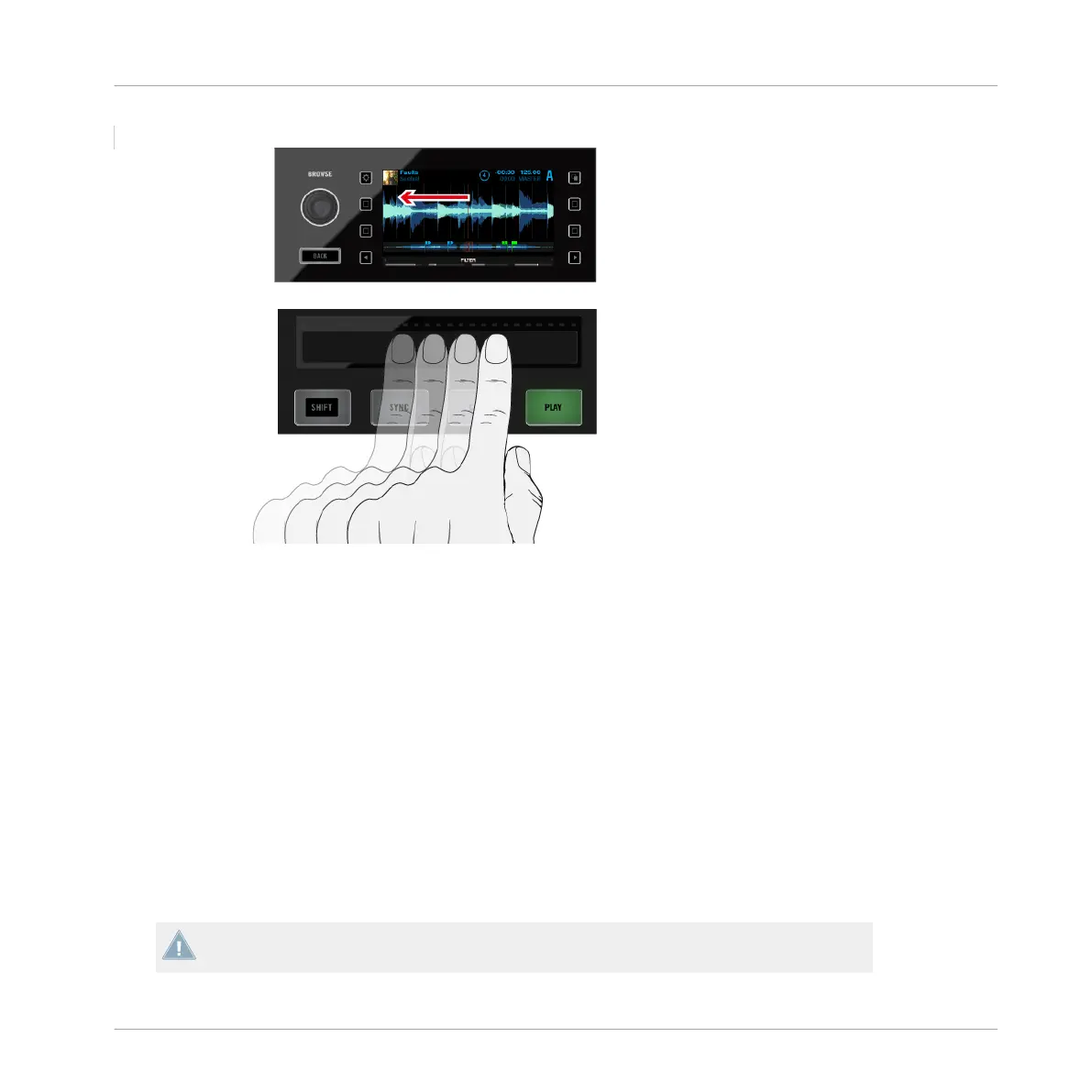
Scratching With The Touch Strip
Seeking
The Seek function allows you to quickly scroll the entirety of a track or jump to absolute posi-
tions within a track. The Touch Strip's left edge represents the track start, the right edge repre-
sents the track end.
►
To jump to a position in a track, hold the SHIFT button and place your finger anywhere
on the Touch Strip.
►
To scroll from the corresponding position in the track, hold the SHIFT button and swipe
from any point.
►
To move the playhead to the start of the track, swipe all the way to the left.
►
To move the playhead all the way to the end of the track, swipe all the way to the right.
Note that when you release the SHIFT button, the Touch Strip will revert back to nudging
and scratching.
Hardware Reference
The Deck
TRAKTOR KONTROL S8 - Manual - 192


 To Next Page