MS-SVN084A-EN
7
Dip Switch Configuration
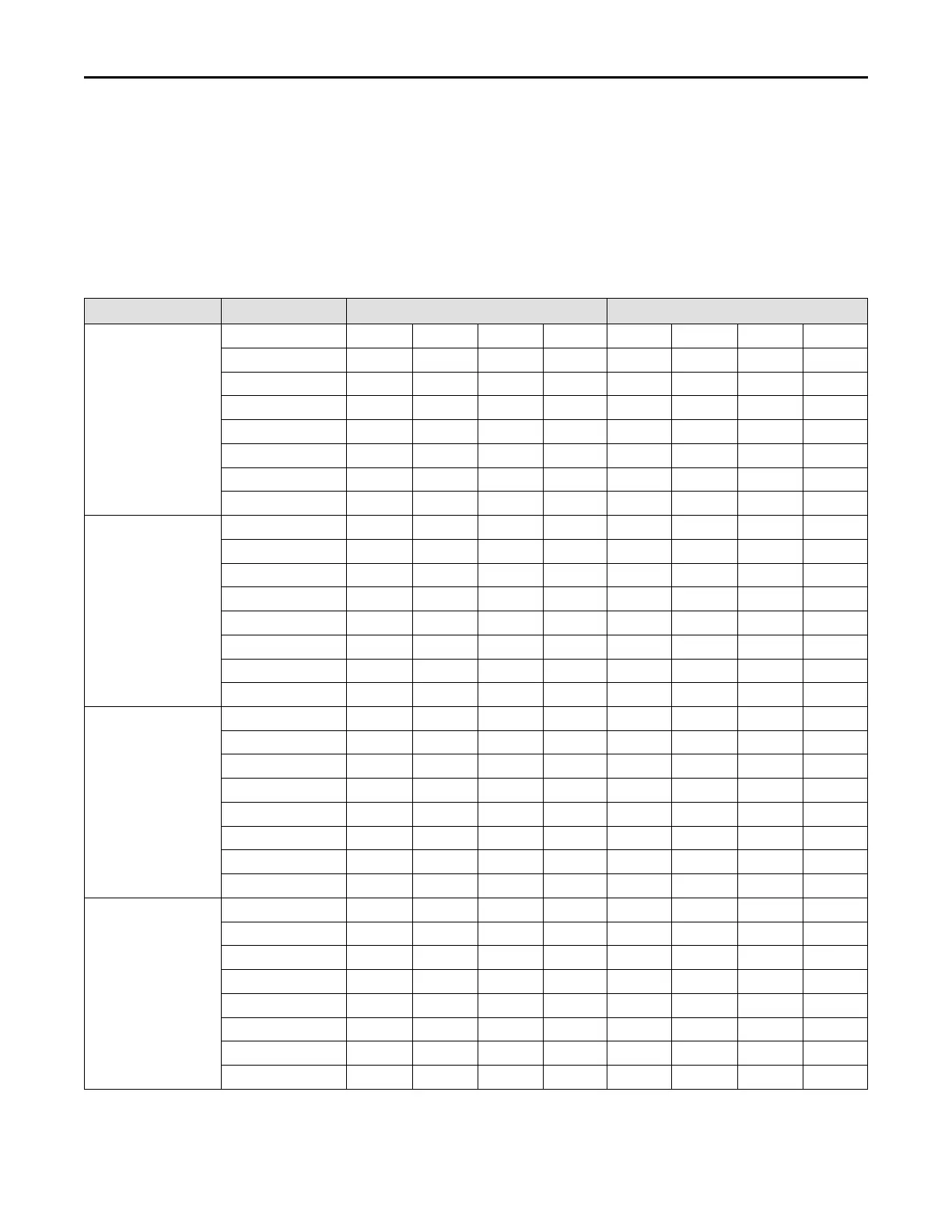
Set the indoor fan speed through the eight dip switches
of the indoor main control board. The higher the level,
the higher the speed of the indoor unit fan.
Below are the operation instructions:
1. Complete the dip switch settings before applying
power to the unit.
2. After the unit is shut down or stopped at the
temperature setpoint, the indoor unit will delay for
a few minutes and then shut down.
During installation and checkout, pay attention to
whether the temperature controller has set the fan
delay and shutdown time. If the temperature controller
has been set, the actual delay and shutdown time of
the fan is equal to the temperature controller setting
time plus the fan delay time of the indoor unit.
Model Level
Heat (SA2) Cool (SA1)
4MXA2024A10NUA
Level 1 1 0 0 0 0 0 0 0
Level 2 1 0 0 1 0 0 0 0
Level 3 1 0 1 0 0 0 0 0
Level 4-Default 1 0 1 1 0 0 0 0
Level 5 1 1 0 0 0 0 0 0
Level 6 1 1 0 1 0 0 0 0
Level 7 1 1 1 0 0 0 0 0
Level 8 1 1 1 1 0 0 0 0
4MXA2036A10NUA
Level 1 0 0 0 0 0 0 0 0
Level 2 0 0 0 1 0 0 0 0
Level 3 0 0 1 0 0 0 0 0
Level 4-Default 0 0 1 1 0 0 0 0
Level 5 0 1 0 0 0 0 0 0
Level 6 0 1 0 1 0 0 0 0
Level 7 0 1 1 0 0 0 0 0
Level 8 0 1 1 1 0 0 0 0
4MXA2048A10NUA
Level 1 1 0 0 0 0 0 0 0
Level 2 1 0 0 1 0 0 0 0
Level 3 1 0 1 0 0 0 0 0
Level 4-Default 1 0 1 1 0 0 0 0
Level 5 1 1 0 0 0 0 0 0
Level 6 1 1 0 1 0 0 0 0
Level 7 1 1 1 0 0 0 0 0
Level 8 1 1 1 1 0 0 0 0
4MXA2060A10NUA
Level 1 0 0 0 0 0 0 0 0
Level 2 0 0 0 1 0 0 0 0
Level 3 0 0 1 0 0 0 0 0
Level 4-Default 0 0 1 1 0 0 0 0
Level 5 0 1 0 0 0 0 0 0
Level 6 0 1 0 1 0 0 0 0
Level 7 0 1 1 0 0 0 0 0
Level 8 0 1 1 1 0 0 0 0
Note: 0 means dip switch to ‘on’, 1 means dip switch to number.
PPrroodduucctt IInnttrroodduuccttiioonn



 To Next Page