11
5. Pressing the “Menu” button will move you up one folder level.
6. Pressing the “Menu” button
repeatedly will take you back to the root directory [/Root.DIR/]
(top folder level).
7. Pressing the “Menu” button
in the root directory [/Root.DIR/] (top folder level) will quit the
Navigator.
Delete a file in the MUSIC Mode
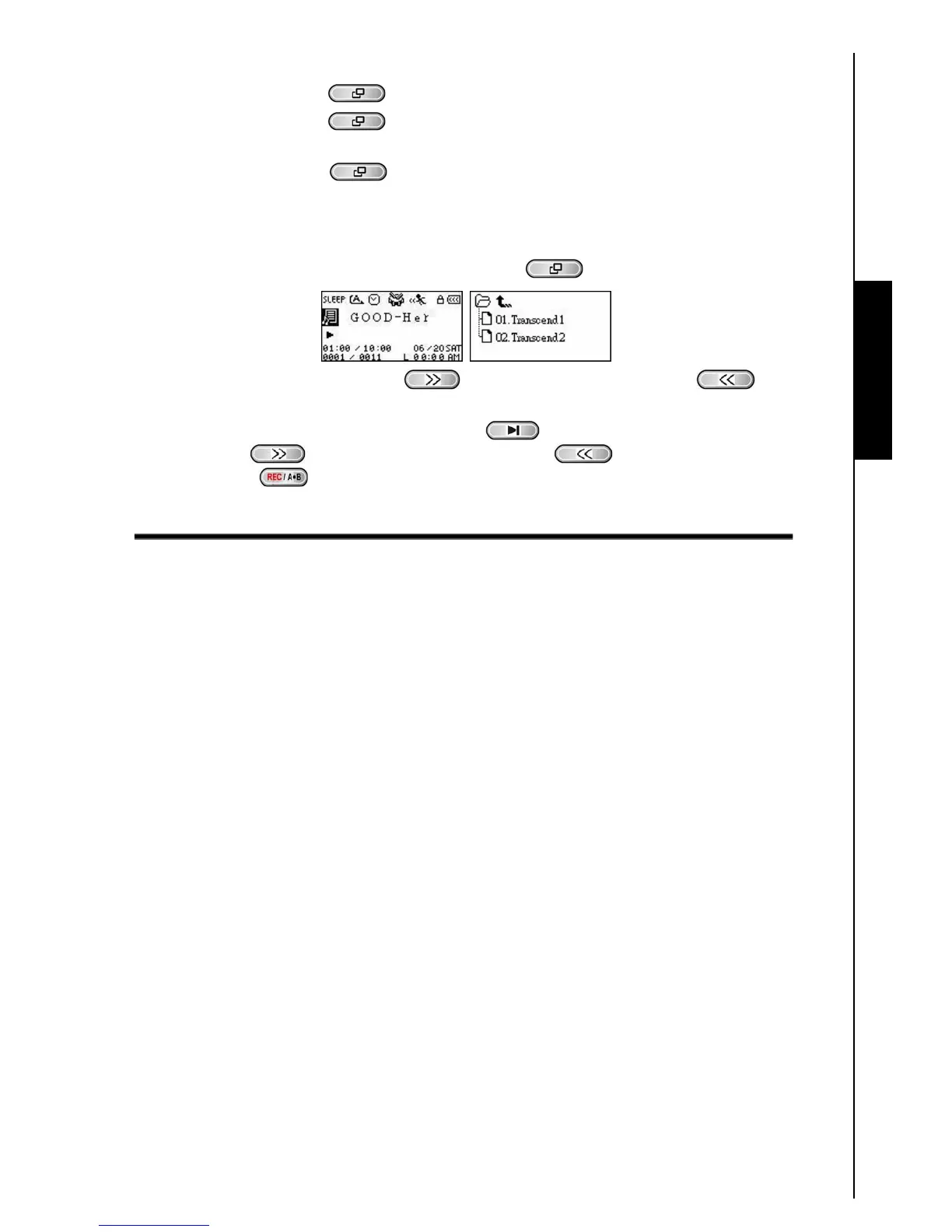
1. In the MUSIC Mode, Press and Hold the “Menu” button to enter the Navigator.
2. Press the “Next-Fast Forward” button , or “Back-Fast Rewind” button to select a
folder.
3. Press the “PLAY/PAUSE/PWR ON-OFF” button
to enter a folder, press the “Next-Fast
Forward” button
, or “Back-Fast Rewind” button to select a file and press the
“A-B/REC” button
to enter the DELETE FILE Mode.
MUSIC Functions















 To Next Page