52
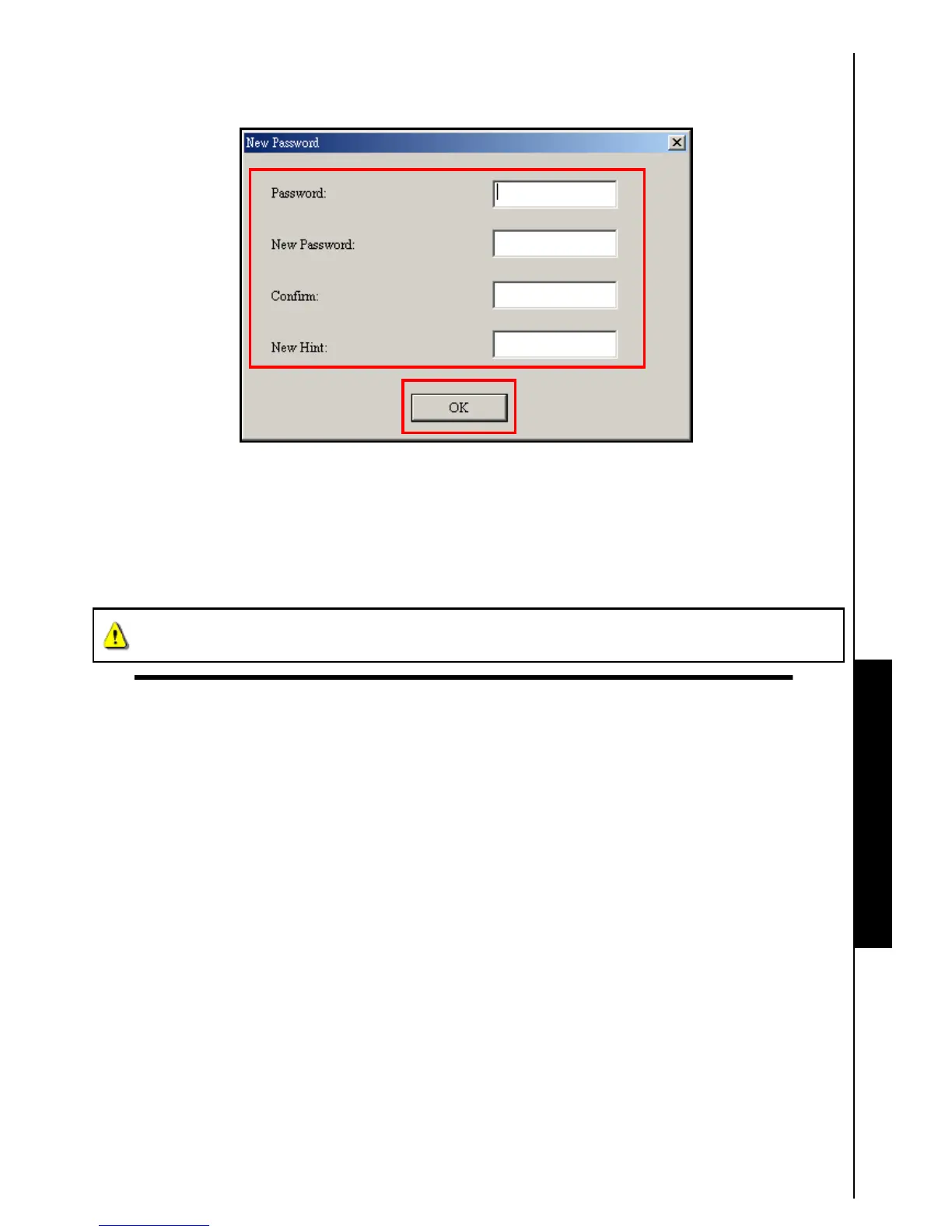
2. The “New Password” window will appear. Input your current “Password,” a “New Password,”
“Confirm Password” and a “New Password Hint” (a reminder, should you forget your password).
Click on the
“OK” button to complete the New Password setup.
Figure 29. Change Password
Forgotten your Password
If you forget your password use the password hint to try and remember your password. However, if the
hint does not work you can use the
Partition Function to repartition your T.sonic
™
. Any data that you
saved on the
T.sonic
™
’s unprotected Public Disk Partition should be backed-up before re-partitioning the
T.sonic
™
.
WARNING! Repartioning the Disk will erase all of the data in the Private Area of your
T.sonic
™
.
Partition & Security Function















 To Next Page