47
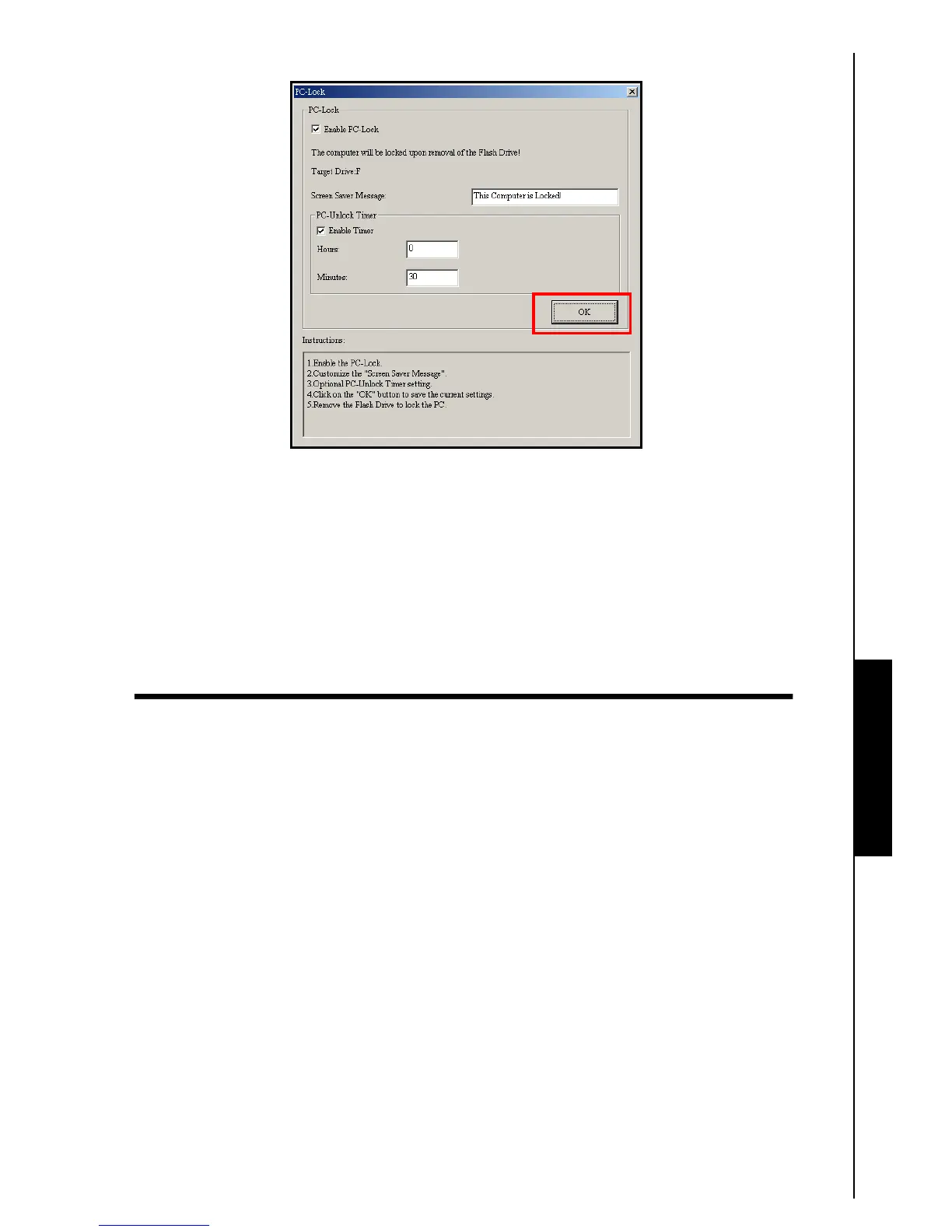
5. Click on the “OK” button to start the PC-Lock.
Figure 20. Enable PC-Lock
Lock Your Computer
After the PC-Lock function is enabled, your computer will be locked whenever you remove your T.sonic
™
.
When your computer is locked, the screen will display the
Text screen saver.
Unlock Your Computer
To unlock the computer, you must re-insert your T.sonic
™
. The locked status on the screen will disappear
and you are now free to use your computer. The computer’s locked status will also end automatically after
the specified lock period timer has expired.
PC-Lock Function















 To Next Page