42
T.sonic
™
Utility Software
The T.sonic
™
630 comes with some very useful bundled software that can increase your productivity.
Before using the T.sonic
™
Utility program, please read the following sections carefully.
The T.sonic
Utility is not supported on Mac
™
, or Linux
™
Operating Systems.
To use the T.sonic
Utility, you must log in to the Windows
®
OS with Administrator rights.
Installing the T.sonic Utility Program
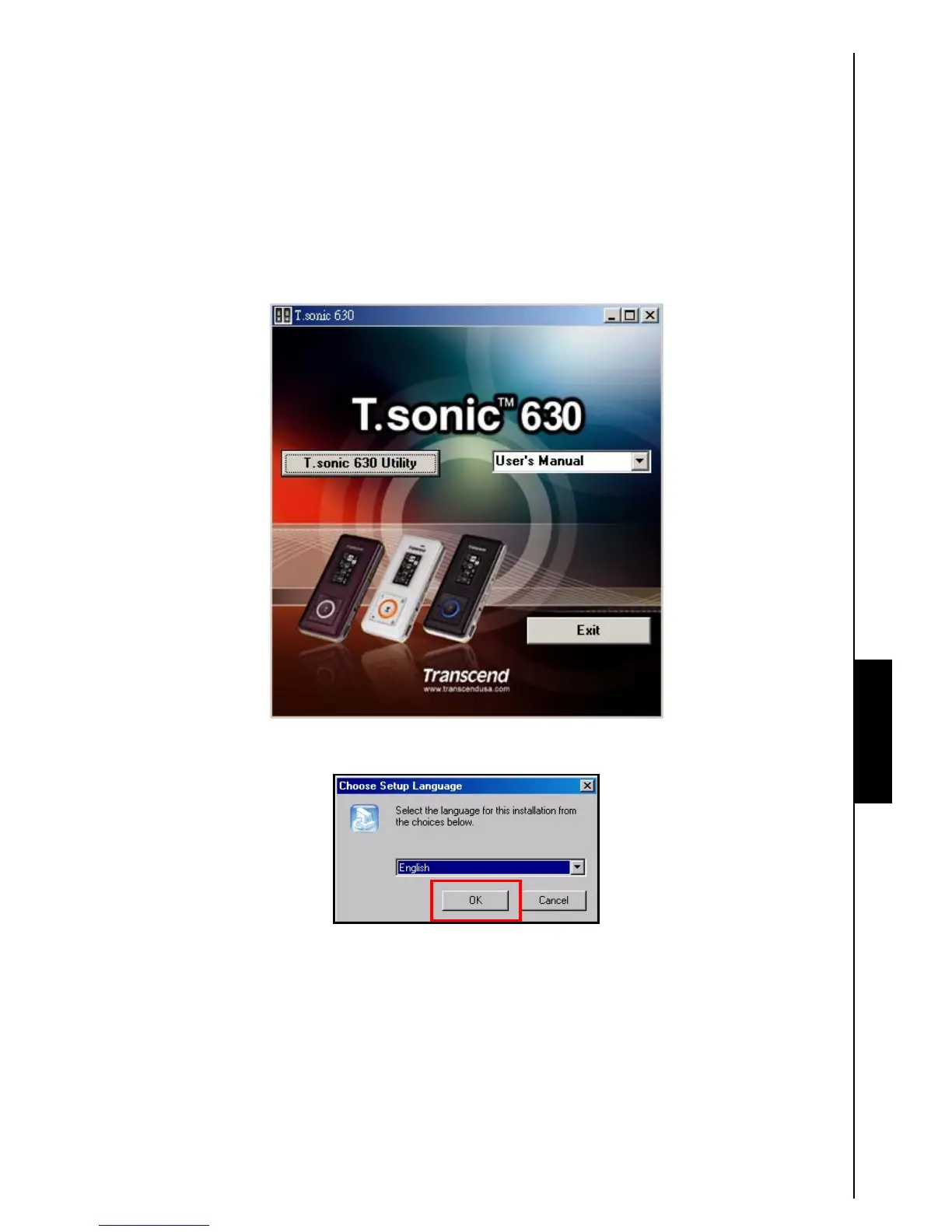
1. Put the Software CD into the CD-ROM (Auto-Run supported). Click on the “T.sonic 630 Utility”
button.
Figure 11. T.sonic Utility Program
2. Choose your setup language. Click on the “OK” button to continue.
Figure 12. Choose a language
T.sonic Utility















 To Next Page