29
World Time
The T.sonic
™
630 has the ability to display the local time for different time zones; this is a handy feature if
you are traveling.
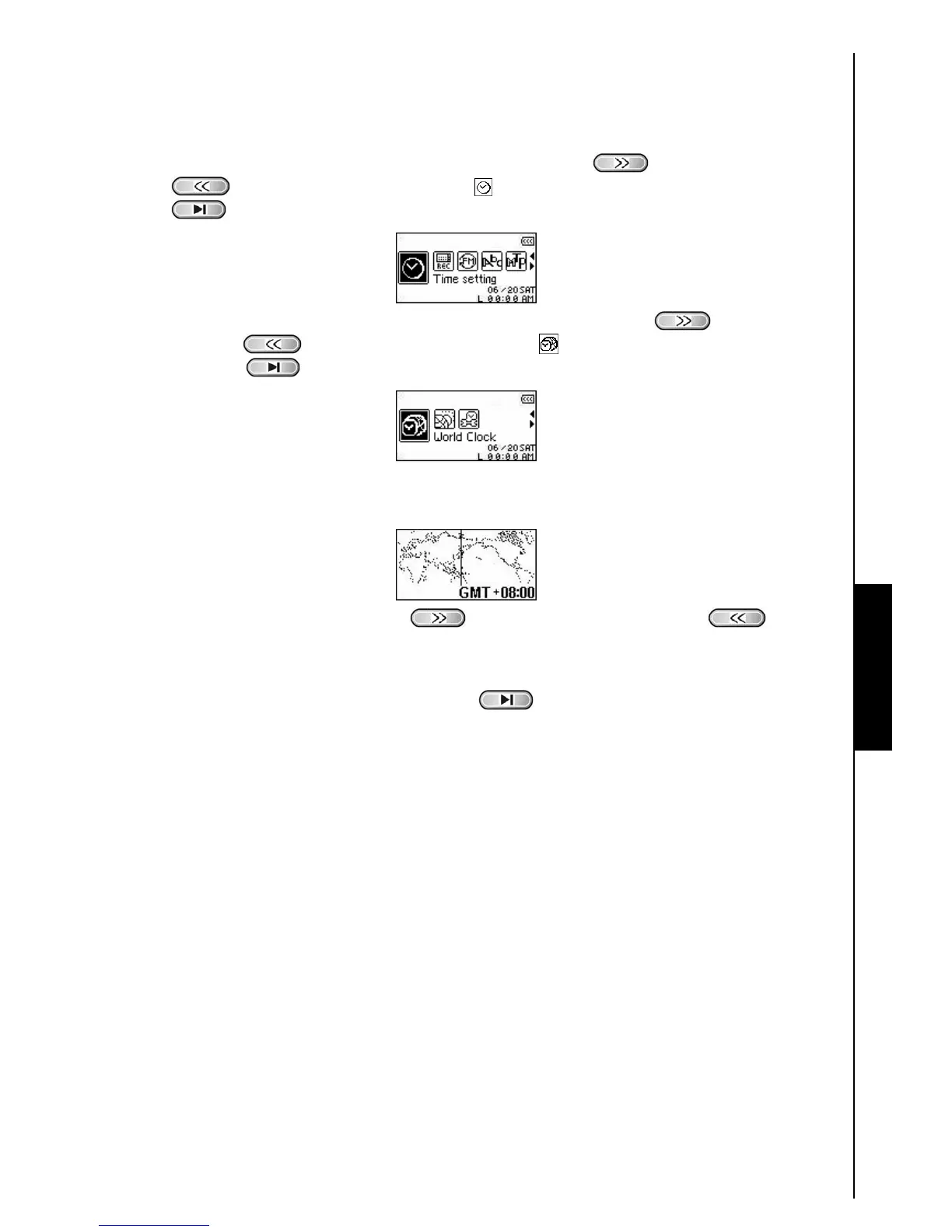
1. In the SETTINGS Menu, press the “Next-Fast Forward” button
, or “Back-Fast Rewind”
button
to select the TIME Settings icon , then press the “PLAY/PAUSE/PWR ON-OFF”
button
to enter the TIME Settings Menu.
2. In the TIME Settings Menu, press the “Next-Fast Forward” button , or “Back-Fast
Rewind” button
to select the World Time icon , then press the “PLAY/PAUSE/PWR
ON-OFF” button
to enter the WORLD TIME Mode.
3. Enabling the World Time feature will open the Time Zone setup screen.
4. Press the “Next-Fast Forward” button , or “Back-Fast Rewind” button to select
the Time Zone you are in.
5. Press the “PLAY/PAUSE/PWR ON-OFF” button to confirm the new time and return to the
TIME Settings Menu.
TIME SETTINGS















 To Next Page