37
Driver Installation
Driver Installation for Windows
®
Me, 2000 and XP
No drivers are required. These Windows
®
Operating Systems have built-in drivers to support the T.sonic
™
630. Plug your T.sonic
™
630 into an available USB port and Windows
®
will install the necessary files. A
new Removable Disk drive with a newly assigned drive letter will appear in the My Computer window.
Driver Installation for Mac
™
OS 10.0, or Later
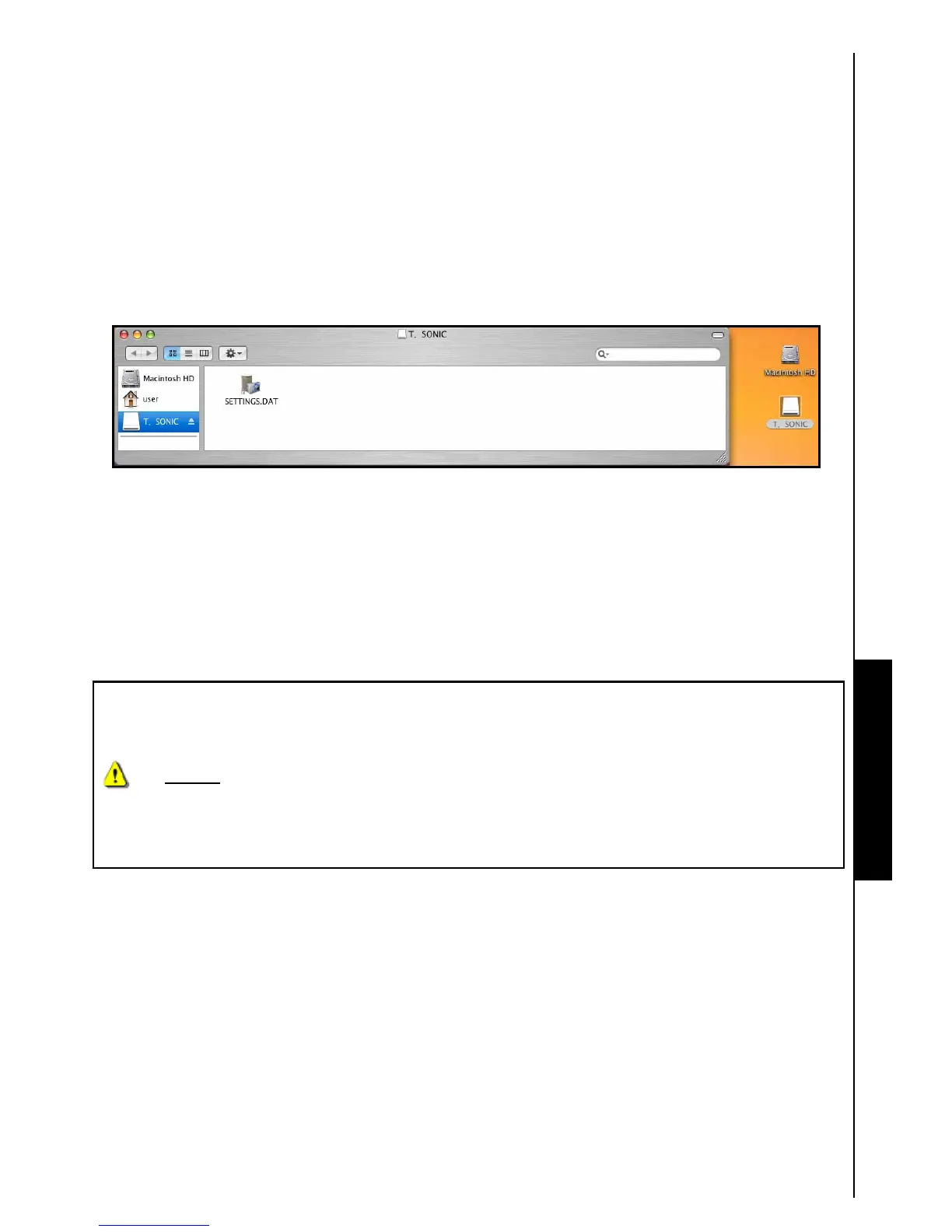
No drivers are required. Plug your T.sonic
™
630 into an available USB port and your computer will
automatically detect it.
Figure 4. Mac Driver Installation
Driver Installation for Linux
™
Kernel 2.4, or Later
No drivers are required. Plug your T.sonic
™
630 into a USB port and mount it.
1. First create a directory for the T.sonic.
Example: mkdir /mnt/T.sonic
2. Then, mount the T.sonic.
Example: mount –a –t msdos /dev/sda1 /mnt/T.sonic
1. When the T.sonic
™
630 is connected to a computer it is locked into transferring files. You
will not be able to play or record any music at this time. Please disconnect your T.sonic
™
630 from the computer when you want to use the player.
2. NEVER
format your T.sonic
™
630 in Windows.
3. Audio files (MP3/WMA/WMA-DRM10/WAV) must be organized, so that they are no more
than 4 folder levels away from the [/Root.DIR/] root directory.
4. The T.sonic
™
630 is limited to 128 characters for a file name.
Use with a Computer Use with a Computer




 To Next Page