59
Glossary Icons
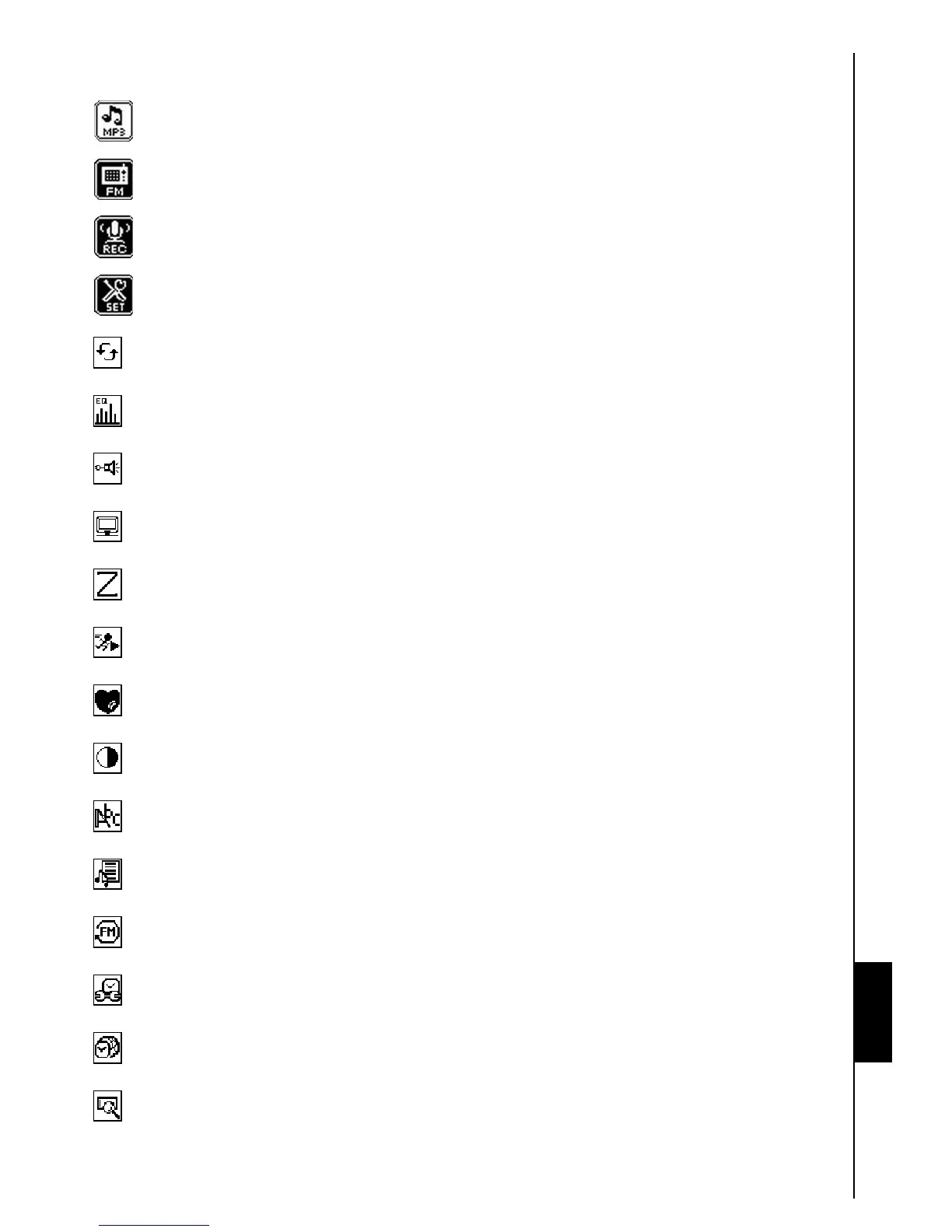
MUSIC: Select this icon to access your MP3, WMA and WMA-DRM10 music files.
RADIO: Select this icon to choose, save, listen to and record a Radio station.
RECORD: Select this icon to access the Audio Recordings you made.
Settings: Select this icon to customize the T.sonic’s settings to your specific preferences.
Repeat: Select this icon to repeat a song, a section of a song, or all the songs in a folder.
Equalizer: Select this icon to choose the equalizer setting that matches the type of music you are
listening to i.e. Rock, Pop, Jazz, Classical, Bass, or User defined.
REC Quality: Select this icon to choose a recording quality level for audio recordings made using
the built-in microphone.
Screen Saver: Select this icon to customize the T.sonic’s settings to your specific preferences.
Sleep: Select this icon to specify the time interval before the T.sonic Powers OFF due to inactivity.
PlayBack Speed: Select this icon to increase, or decrease the speed at which audio files play.
Playlist Manager: Select this icon to manage your playlist.
Contrast:
Select this icon to adjust the brightness of the OLED display.
Language:
Select this icon to choose the T.sonic’s user language (default English).
Sync Lyrics: Select this icon to display the words of a song on the screen during playback.
FM Reset: Select this icon to reset all the radio stations that have been saved to channel
numbers.
RTC: Select this icon to change the current date and time.
World Time:
Select this icon to choose a world time zone.
About: Select this icon to see what firmware version the unit is currently using and the T.sonic’s
memory capacity.
Glossary















 To Next Page