43
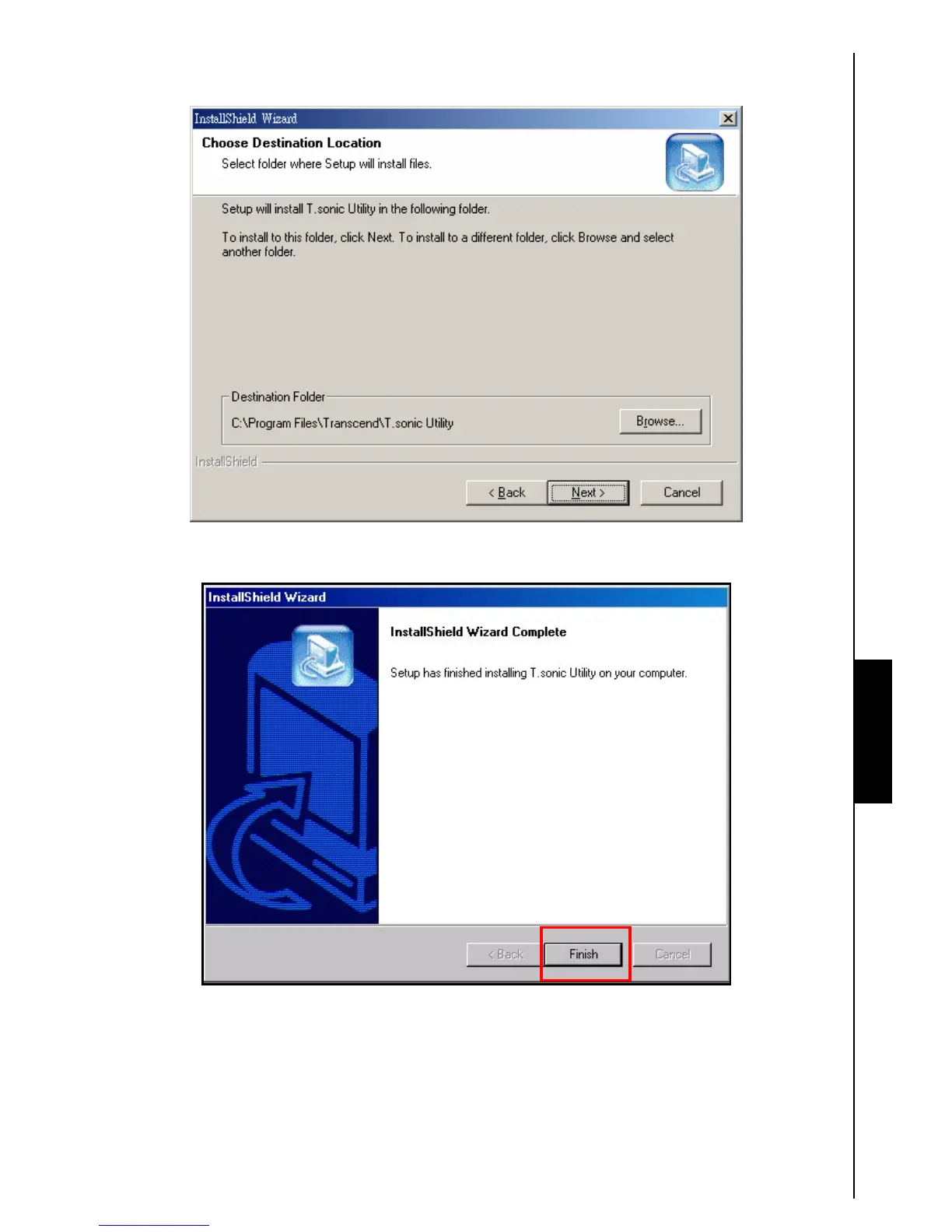
3. The “InstallShield Wizard” window appears. Click on the “Next” button to continue. The
InstallShield Wizard will guide you through the
T.sonic 630 Utility Program installation process.
Figure 13. T.sonic Utility Program InstallShield Wizard
4. When the T.sonic 630 Utility is finished installing, click on the “Finish” button to exit the wizard.
Figure 14. Installation complete
5. The T.sonic Utility Software Program can be found in: Start > Programs >> T.sonic Utility.
T.sonic Utility















 To Next Page