*Press and hold the Power button for 3 seconds to manually turn on/off the DrivePro in any mode.
LED Indicator Reference Chart
LED Wi-Fi Status Definition
Flashing Recording with Wi-Fi
Setting the Date and Time
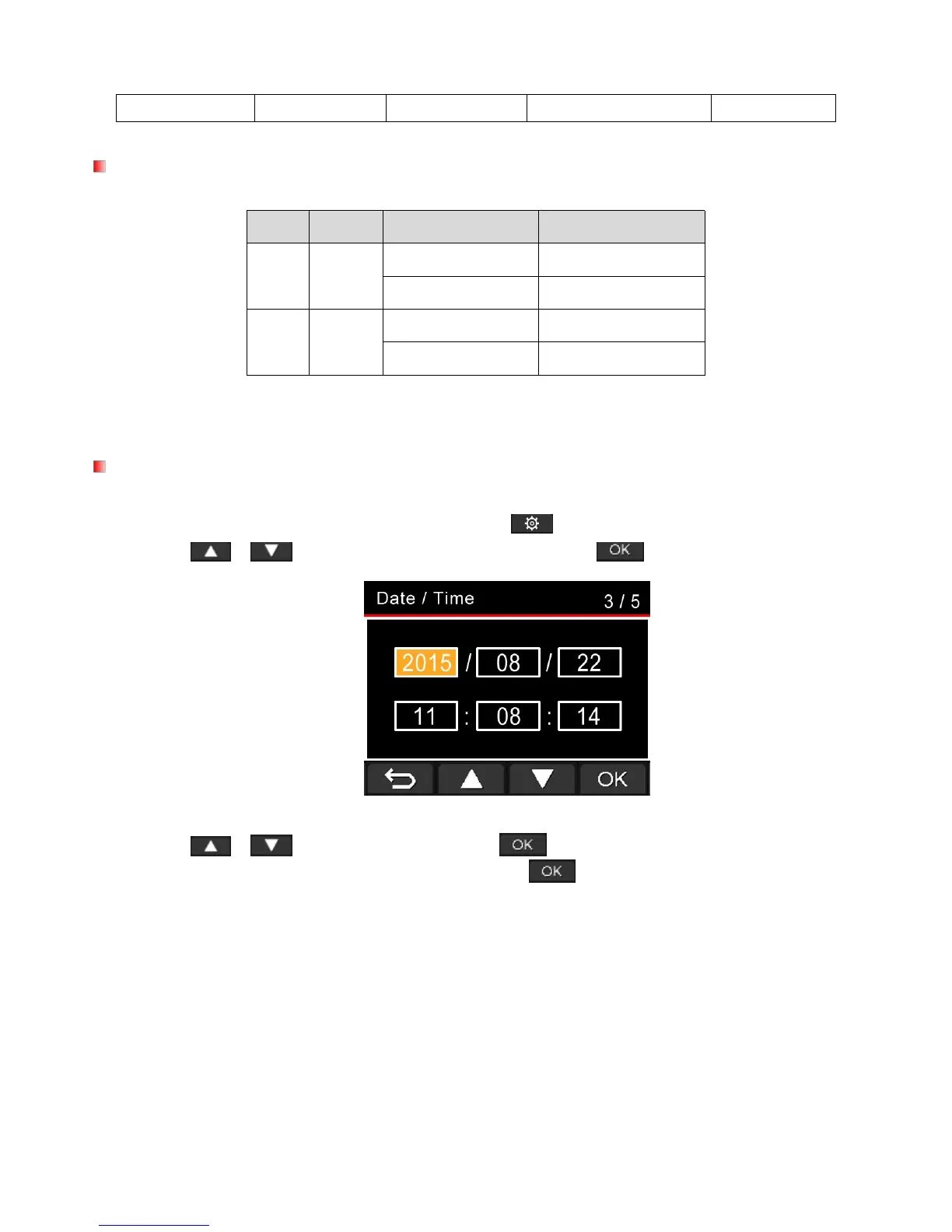
To set the current date and time:
1. During video recording, press the Settings button .
2. Use / to select Date/Time Settings, and press .
3. Use / to adjust values, and press to move to the next block.
4. Repeat Step 3 to set up the date/time format. Press after finishing the settings.















 To Next Page