10. Using the DrivePro App︱
Developed specifically for iOS (iPhone/iPad) and Android devices, the free download DrivePro App allows
you to wirelessly view real-time video footages during recording, control DrivePro functions and play videos
directly from your mobile devices.
Downloading and Installing the App
1. Search “DrivePro New” app on your App Store or Google Play.
2. Download and install the DrivePro App.
Once the installation is complete, the App will be displayed on the home screen of your device. Before using
the App, please refer to the DrivePro instructions.
Connecting to the DrivePro
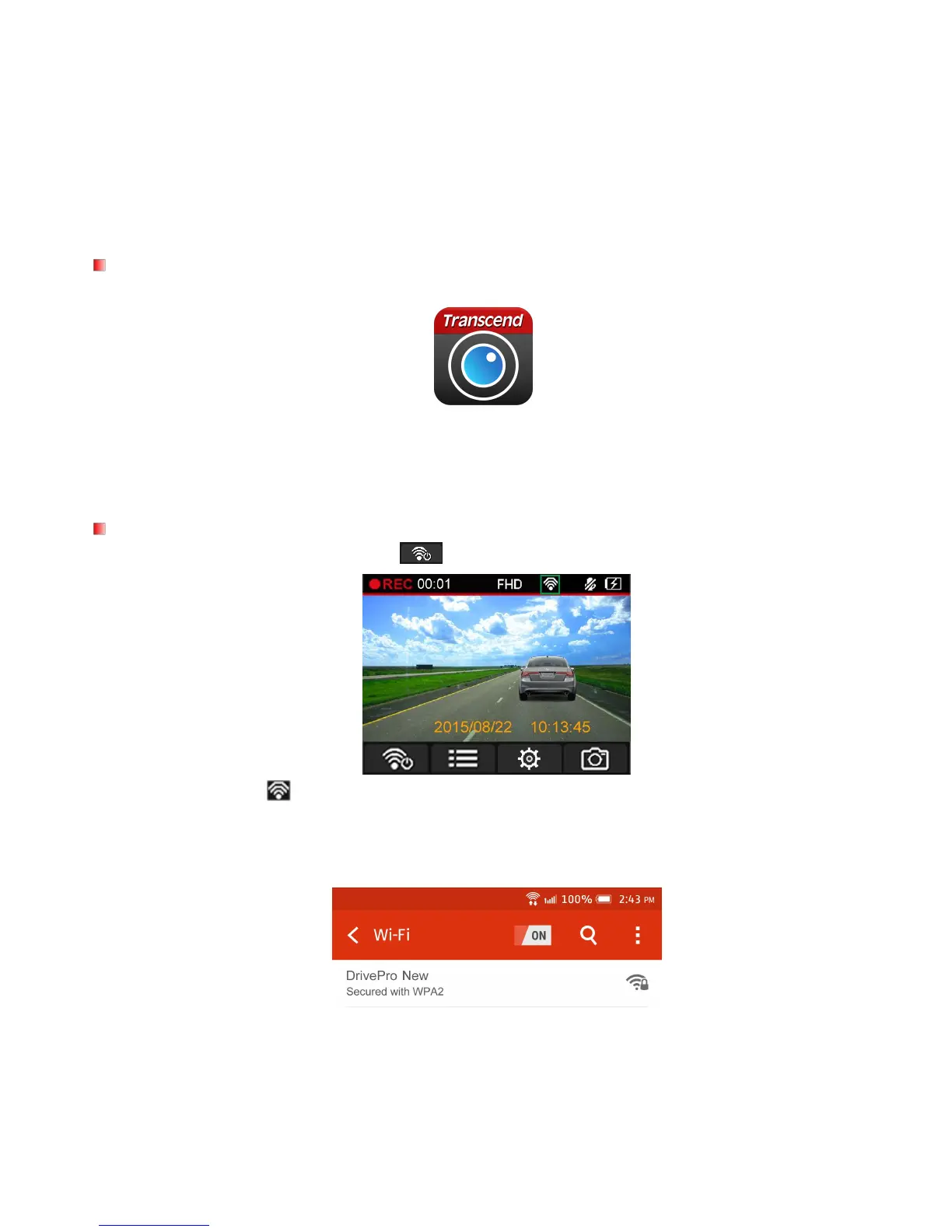
1. During video recording, press the button to turn on the Wi-Fi function.
2. When the icon is displayed, you can connect your mobile device to the DrivePro New.
3. After turning on the Wi-Fi, please wait for a few seconds for the network to appear.
4. Tap Settings > Wi-Fi from your mobile device.
5. Select the DrivePro New Wi-Fi link (default password is 12345678).
6. Tap the DrivePro New icon on the home screen of your mobile device to use the App.
7. The image above will be displayed when you are connecting to the DrivePro.















 To Next Page