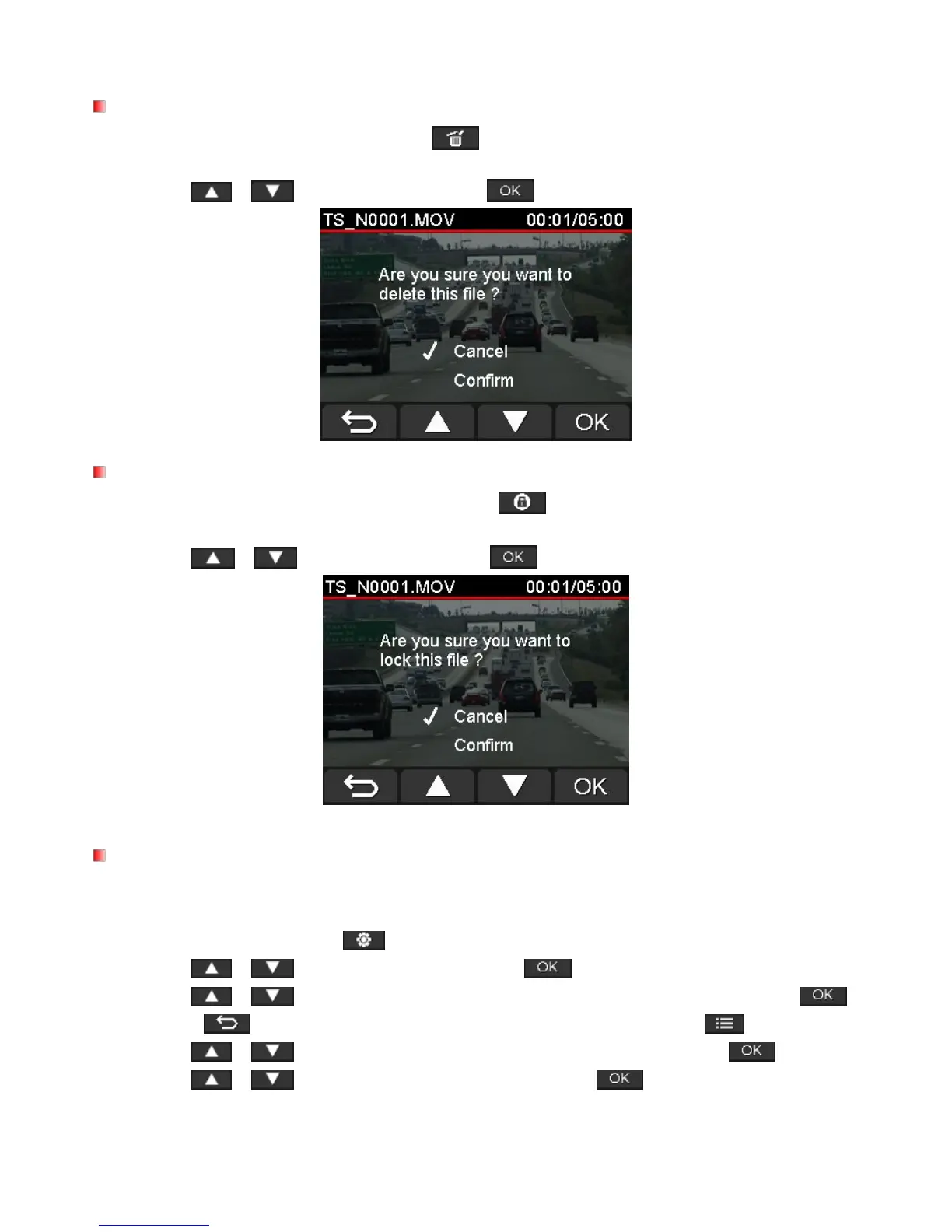
1. During playback of a video file, press . The message “Are you sure you want to delete this
2. Use / to select “Yes” and press to delete the file.
1. During playback of a normal video file, press . The message “Are you sure you want to
protect this file?” will appear.
2. Use / to select “Yes” and press to protect the file.
To playback recorded files on a TV set:
1. Connect the DrivePro to your TV using the video cable.
2. Press the Settings button on the DrivePro.
3. Use / to select Video Out and press .
4. Use / to select the TV type based on your region (NTSC or PAL) and press .
5. Press to return to the recording screen and press the Browse button .
6. Use / to select either Normal Files or Protected Files and press .
7. Use / to select the desired video file and press .
To disable playback on a TV set:















 To Next Page