12. Transferring Files to a Computer︱
To transfer files between the DrivePro’s memory card and your computer:
Option 1: Take the microSD memory card out of the DrivePro and insert to a compatible card reader to
transfer files to your computer.
1. Insert the microSD memory card into the DrivePro.
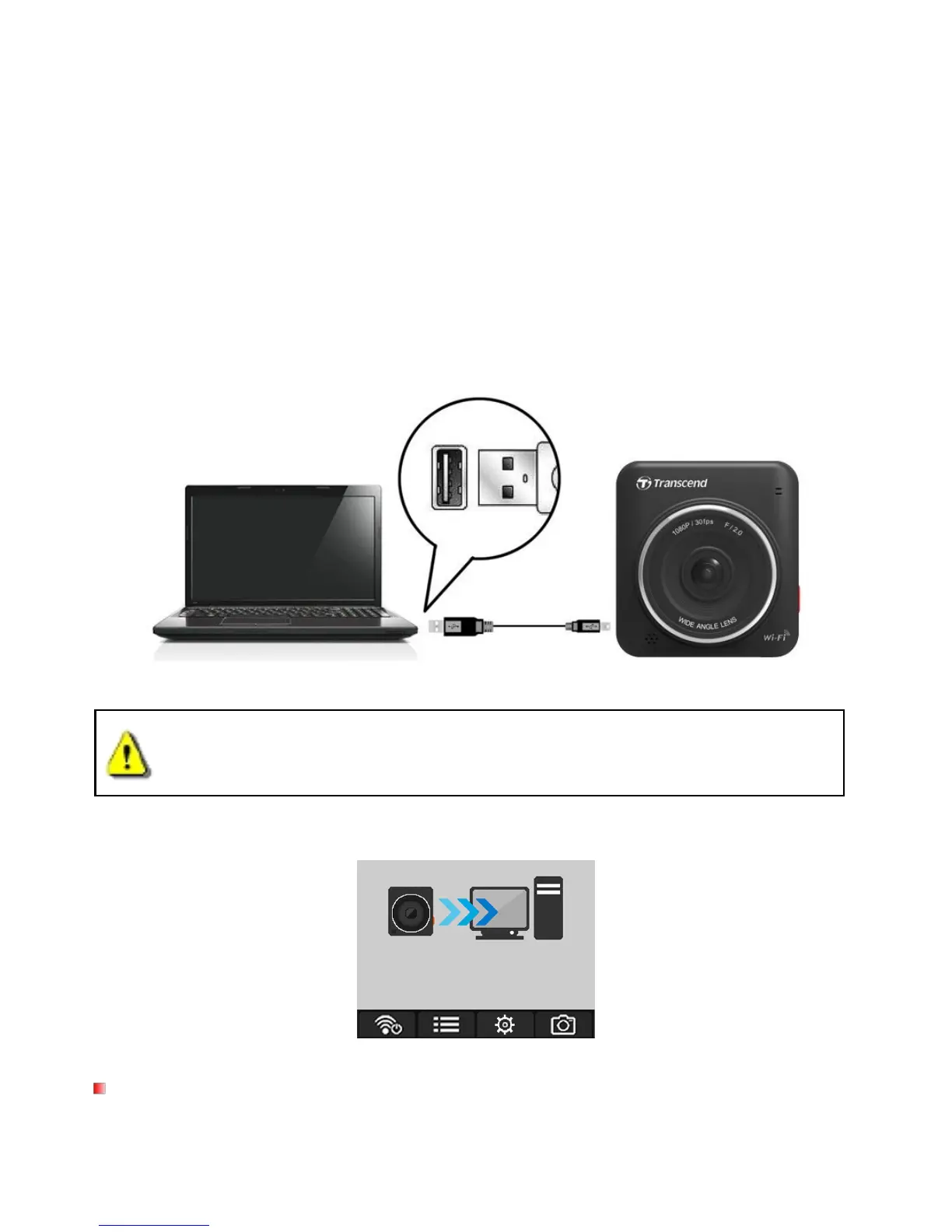
2. Plug the small end of a USB cable into the Mini-B USB port located on the right-hand side of the
3. Plug the large end of the cable into an available USB port on your desktop or laptop.
DrivePro package does not contain any USB cable.
The DrivePro will display the following screen when connected to a computer:
Windows® 7 / 8 / 8.1 / 10
No drivers are required for connecting the DrivePro to your desktop or laptop. Windows® Operating
Systems have built-in drivers to support your DrivePro. Upon successful connection to your computer, a new















 To Next Page