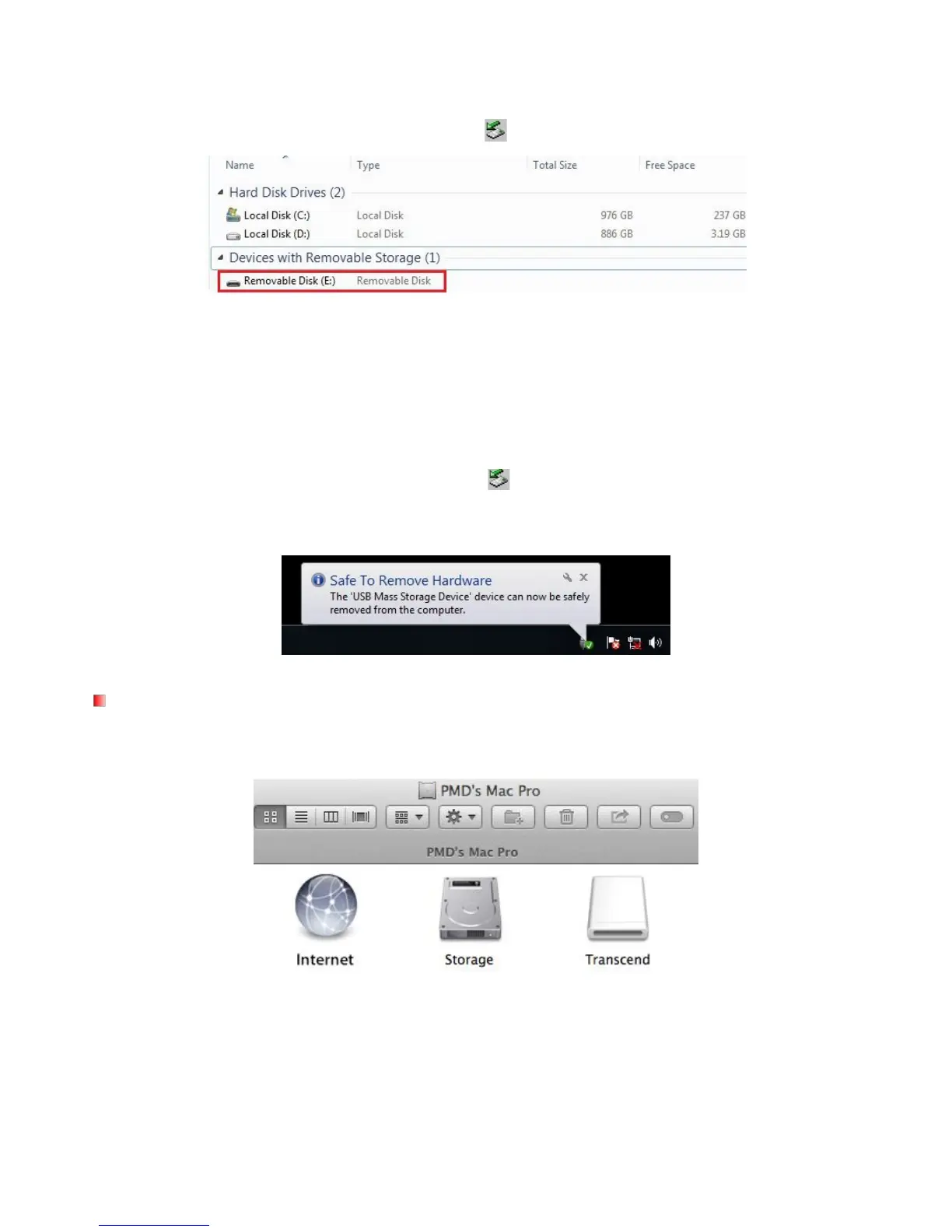
Removable Disk drive with a newly assigned drive letter representing the DrivePro will automatically
appear in My Computer, and a Removable Hardware
icon will appear in the Windows System Tray.
*Note: (E:) is an example drive letter – the letter in your “My Computer” window may differ.
Your DrivePro is now ready to transfer data just like an external hard drive. To transfer videos, simply
drag-and-drop files from the folder that represents the DrivePro.
Proper removal of your DrivePro from Windows:
1. Click once on the Removable Hardware icon
2. A Safely Remove Hardware window will pop up. Click to continue.
3. Unplug your DrivePro from the USB port.
No drivers are required. Plug your DrivePro into an available USB port directly, and your computer will
Proper removal of your DrivePro from Mac OS:
Drag-and-drop the Disk icon corresponding to your DrivePro into the trashcan, and then unplug your
DrivePro from the USB port.















 To Next Page